Account
One name and one password for the website and the game.
Your ArionRO account has a username and a game password. You type them into the game client, and you use them on the website. You can also sign in to the website with Google, but the game client never asks for Google: it always wants your username and password.
Register
Open ro.arionword.com/register and pick one of two ways.
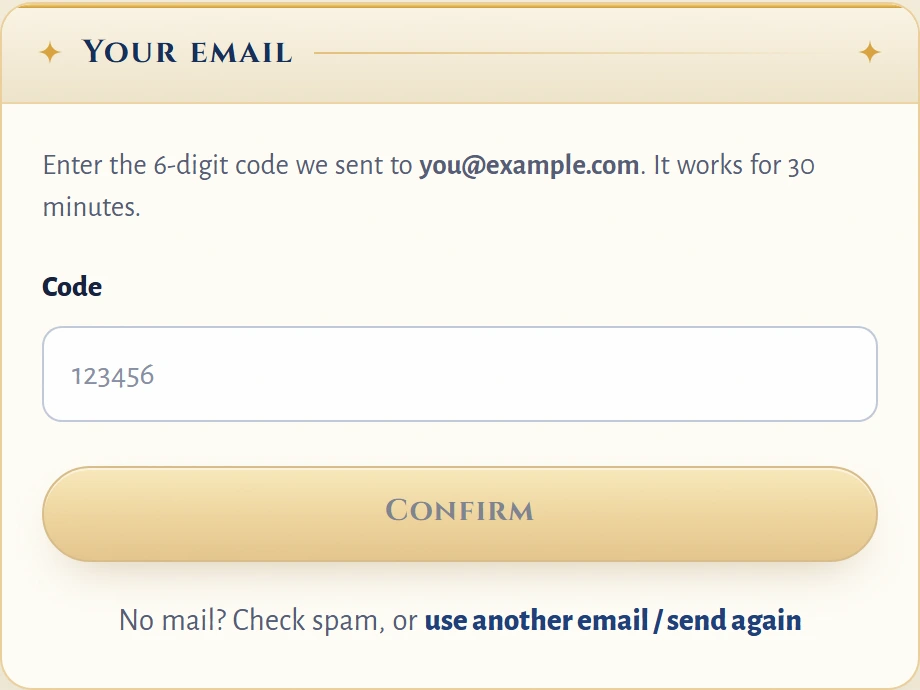
- With a username. Fill in the username (4 to 23 letters, digits or underscores), the password (4 to 23 characters) and your email. The email is required. We send a 6-digit code to it, you type the code on the next page (Confirm your email), and the account is ready. The code works for 30 minutes and you get 5 tries.
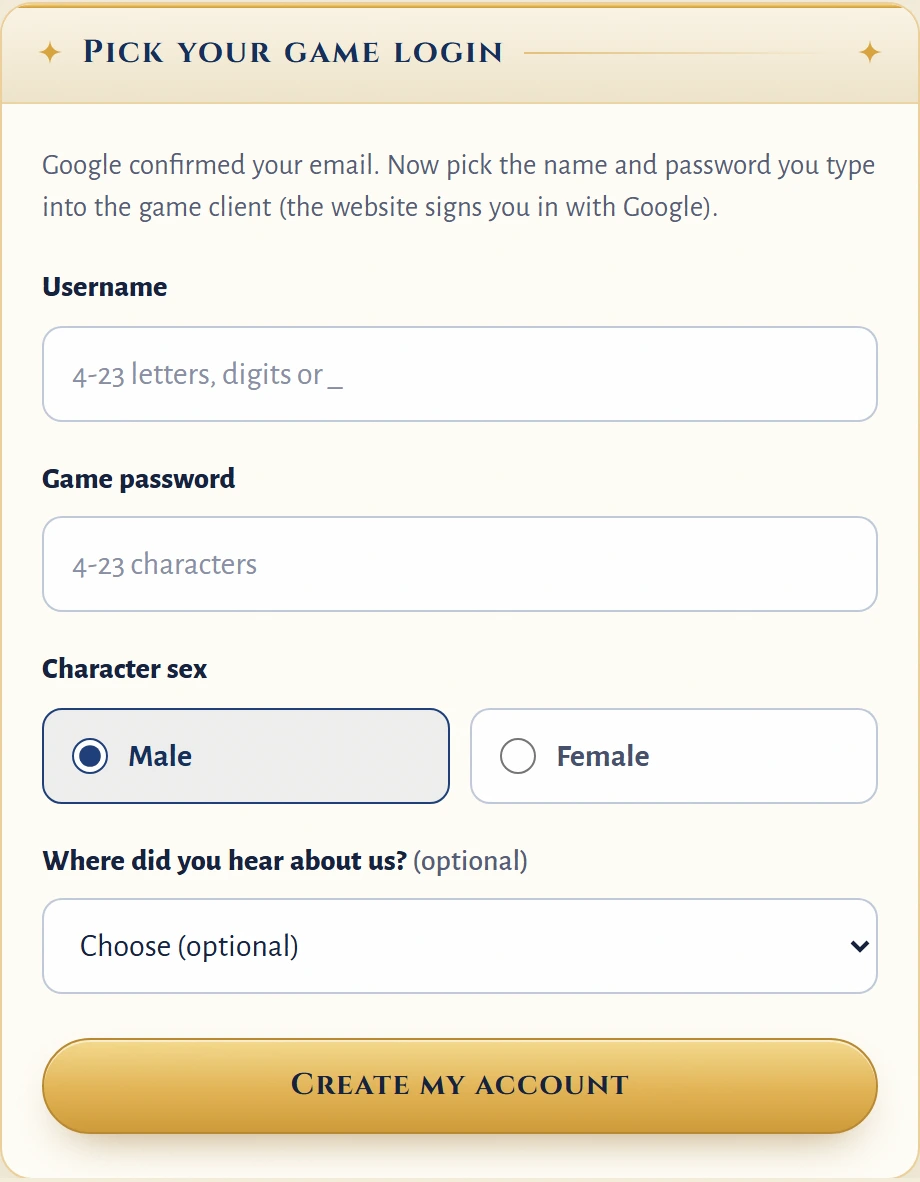
- With Google. Press Sign up with Google. Google tells us your email is confirmed, so there is no code. The next page, Your game account, asks for the username and game password you will type into the game client, and for the sex of your character (and, if you like, where you heard about us). You do this once, and you have 30 minutes to finish it after Google sends you back. A Google email longer than 39 characters cannot be used: register with a username and another email instead.
The email can be up to 39 characters. We only use it to send you the confirmation code, a password reset link if you ever need one, and a notice when your password is changed.
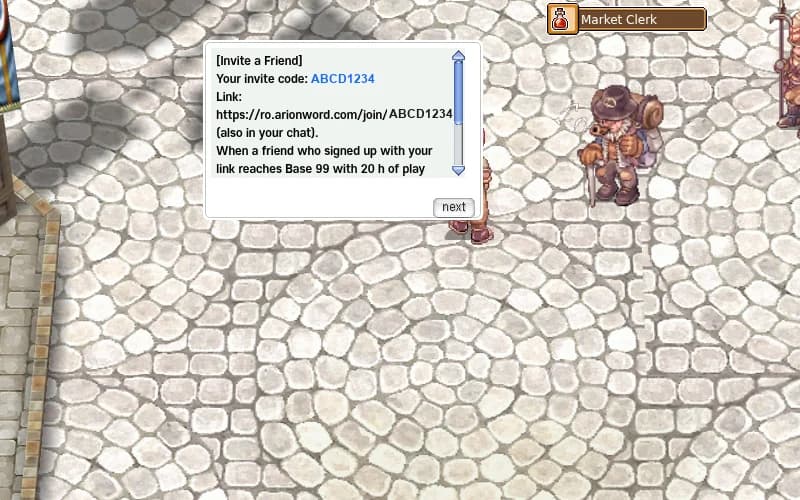
If a friend gave you an invite link, open it before you sign up: see Invite a Friend. It works with both ways.
Forgot your password
- On the sign-in page press Forgot your password?.
- Type your account name or your email and press Send reset link.
- Open the mail from
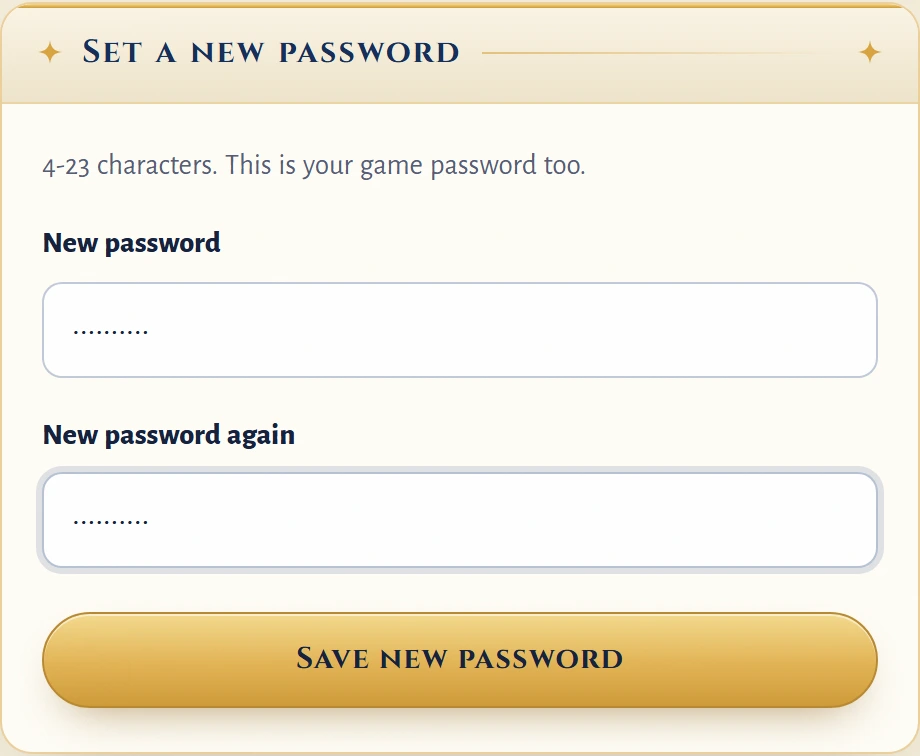
no-reply@arionword.com. The link works for 30 minutes and only once. - On New password type the new password twice and press Save new password. It is your game password too, so use it in the game from now on.
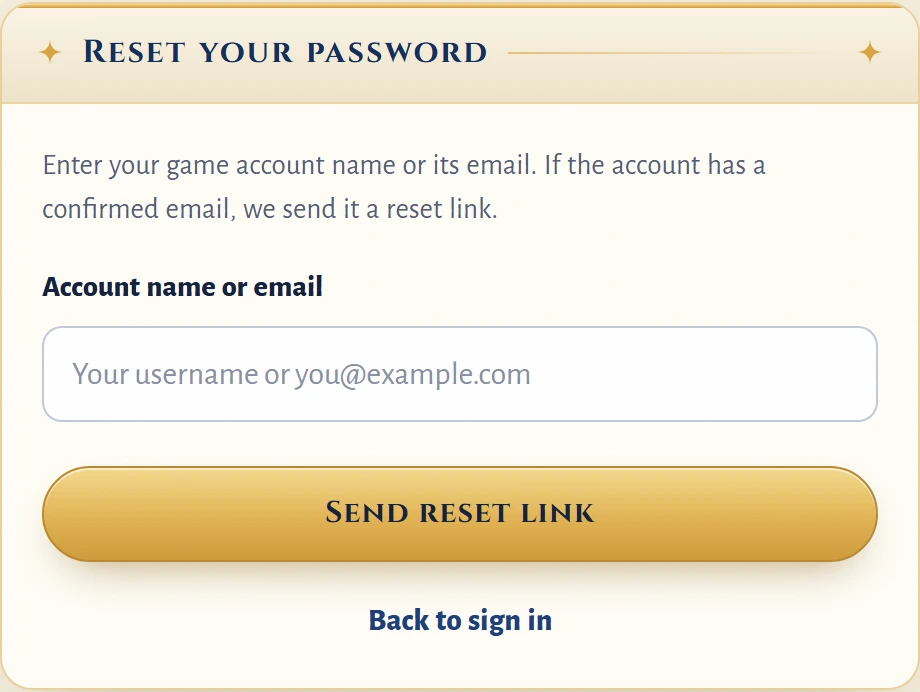
The page gives the same answer for every account name and every email, so nobody can use it to find out who plays. If the account has a confirmed email, the mail arrives; if it has none, nothing is sent. No mail after a few minutes? Check your spam folder. Each account can ask for up to 3 links an hour.
An account without a confirmed email cannot be reset by mail: ask the GM team on Discord.
After a reset you get a notice mail that your password was changed. Whenever the password of an account changes, every sign-in of that account on the website ends: sign in again with the new password.
Accounts without a confirmed email
Accounts made before the email step have no confirmed email. The first time you sign in to the website with one, the site sends you to Confirm your email before it opens anything else: type your email, press Send me a code, then type the code and press Confirm. Wrong address? Use use another email / send again.
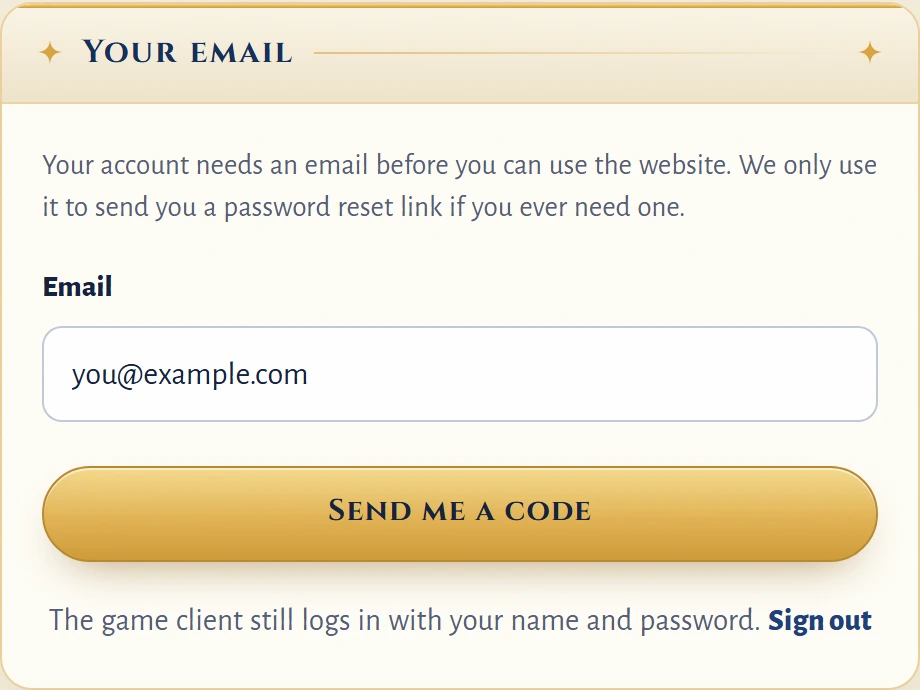
This only affects the website. The game client does not ask for an email: you can keep playing, and the website asks again each time you sign in until the email is confirmed.
Continue with Google

On the sign-in page, Continue with Google signs you in to the account that is linked to your Google account. If there is none yet, it starts the Google sign-up above.
You can also link Google to an account you already have. Sign in with your username and password, open your account page and press Link my Google account. The box Sign-in & recovery on the account page shows two lines: your Email (or "not confirmed") and Google (linked, with the address). Unlink removes the link; you keep signing in with your username and password.

- One Google account links to one game account, and one game account links to one Google account.
- A Google account that has no confirmed email cannot be used here.
- Google signs you in to the website only. Your game password still works in the game, and you can reset it with the steps above.
One-time sign-out when this update ships
When the account update goes live, everyone who is signed in to the website is signed out once. Sign in again with your username and password, or with Google. Your characters and items are not touched.