
Fixes
Chat and equipment window fixes
Fixes
- F10 brings the chat back where it was. Before, after F10 hid the chat, the next F10 could put it off the top of the screen.
Hide the chat with F10 and press F10 again: it opens at the bottom of the screen, where it was. Our test did this twice in a row and the chat came back in the same place both times.

Before: after F10 the chat was gone from the bottom. 
Now: the chat is back at the bottom. - Dragging a worn item from the Equipment window onto your Inventory takes it off again.
On the live server we dragged worn wings from the Costume tab onto the Inventory, and onto the Inventory's Eqp tab button: both took them off. Double-click still takes an item off too.
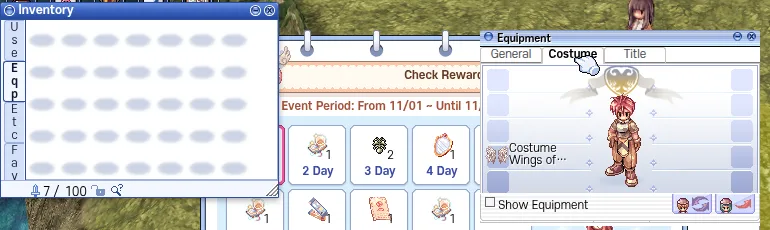
Before the drag: the wings are worn, the Eqp tab of the bag is empty. 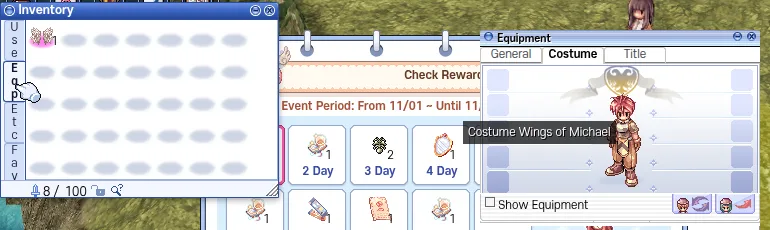
After the drag: the wings are back in the bag. - Press Ctrl+F5 on the game page (Mac: Cmd+Shift+R) to get the update. Logging out and back in is not enough.
Part of the update is in the game files, so the page has to load them again.

The game page after Ctrl+F5.