
Game update
Game page on phones
Changes
- On a phone or tablet, the game page now says ArionRO plays on a PC (mouse + keyboard). The install hint for phones is gone. Mobile comes later.
The game is made for a mouse and keyboard, so on a phone or tablet the game page now shows a short note at the top instead of the install hint. Tap the x to close it; it stays closed after a reload. On a PC nothing changes.
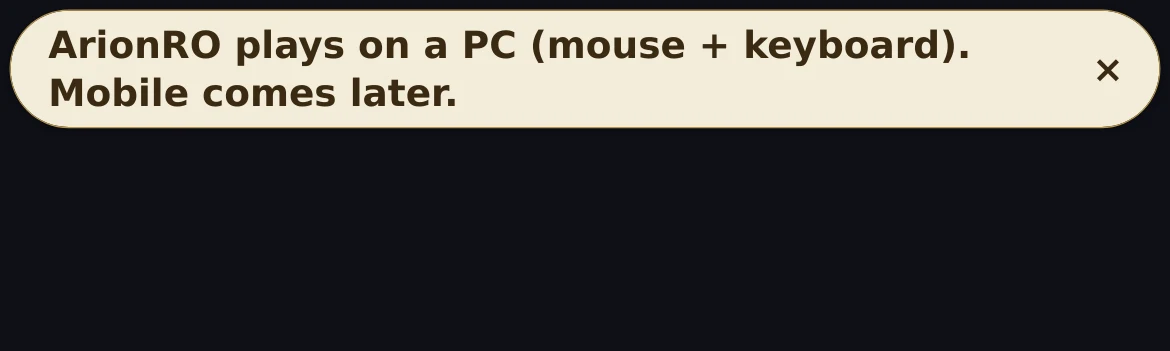
iPhone: the note at the top of the game page - Press Ctrl+F5 on the game page (Mac: Cmd+Shift+R) to get the update. Logging out and back in is not enough.
The game page keeps the client it loaded when you opened it. Ctrl+F5 loads the page fresh with this update.
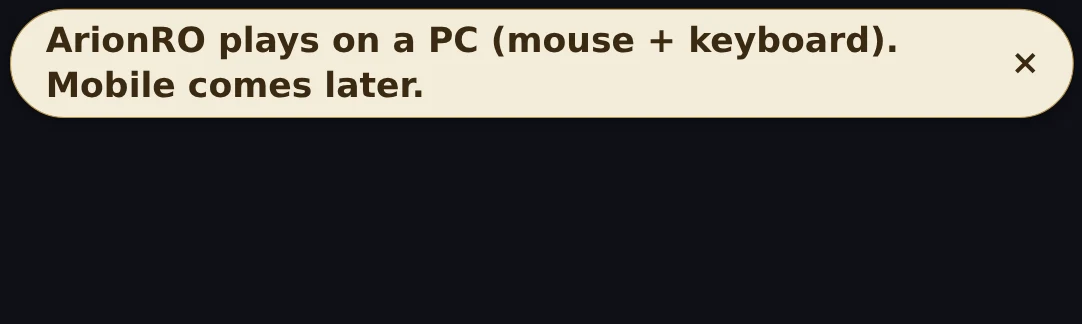
Android: the same note after the update