Fixes
Login pictures fit every screen
Fixes
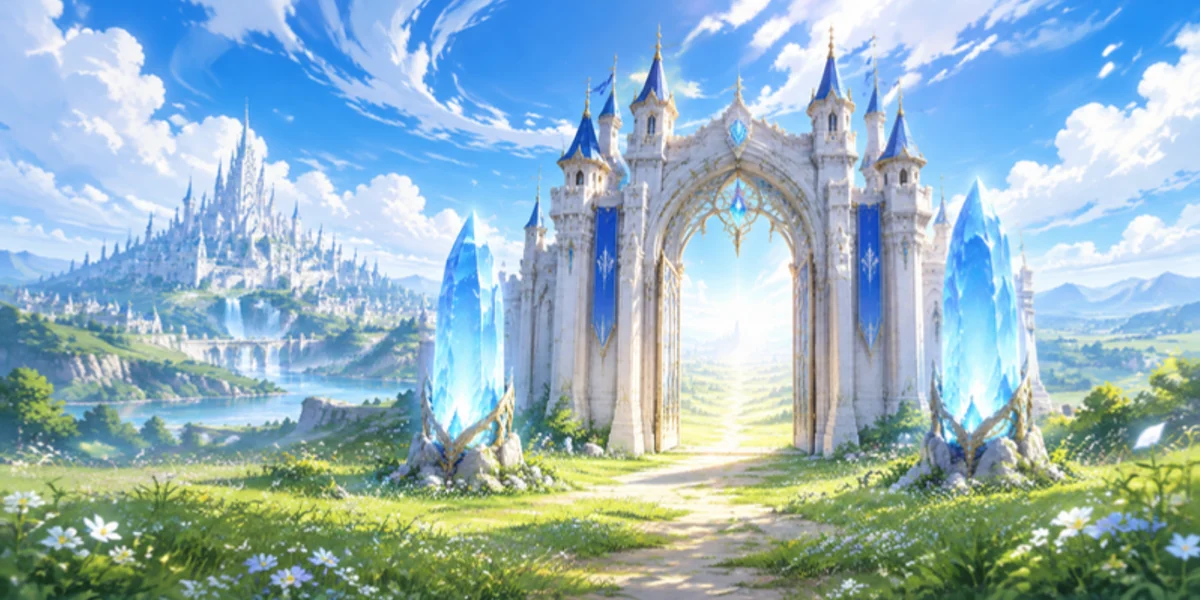
- Login screen: the three login pictures now fit every window shape, from 1280x720 up to ultra-wide 3840x1080. The castle gate and the crystals stay in view, in the middle of the screen under the login box.
The login pictures are wider now, so the crystal or the castle gate sits in the middle of the screen, right under the login box, on any window: a small 1280x720 window, a normal 1920x1080 screen or an ultra-wide monitor. Before, on wide windows the picture was cut and its subject sat off to the left. Map loading screens use the same three pictures.
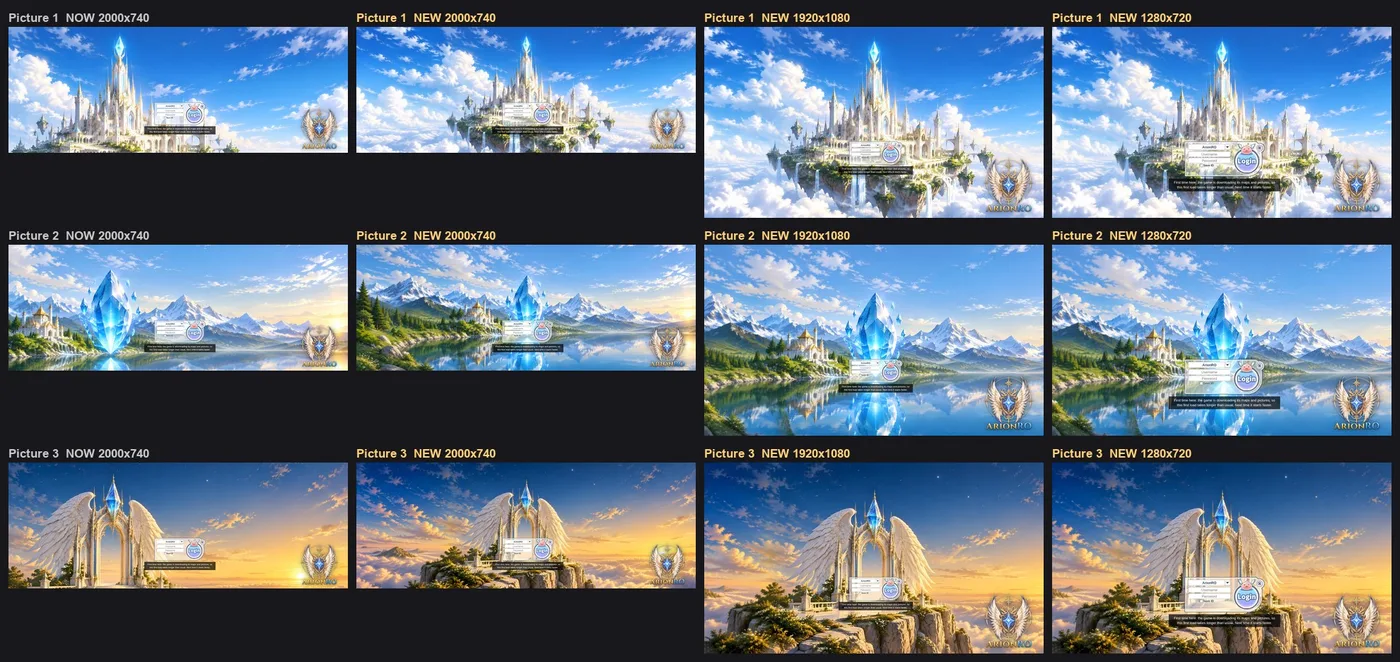
Before and after, on a wide window and two normal sizes 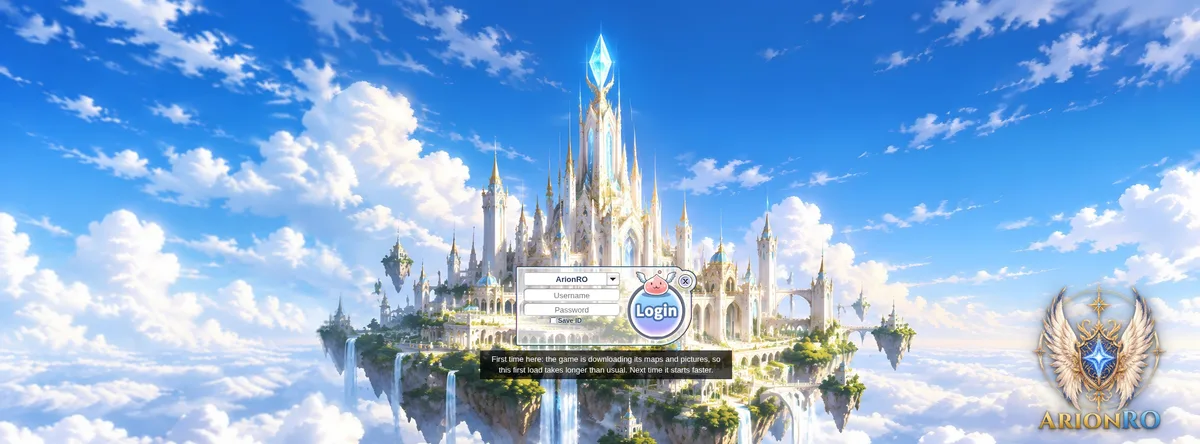
A wide 2000x740 window - Item tooltips: bound items now say Account Bound or Character Bound, and items you can't trade or sell say so in one short line.
Items that stay with you show it in red at the bottom of the item window: Account Bound means it stays on your account (you can move it between your characters with storage), Character Bound means it stays on that character. Items you can't sell to NPCs say that in one line too. Type and Weight sit above it.
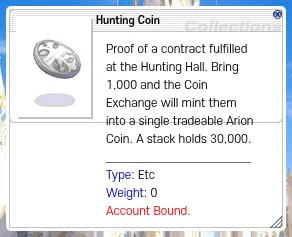
Hunting Coin: Account Bound 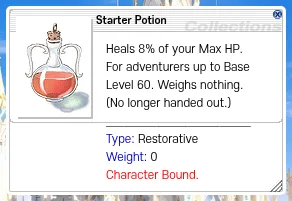
Starter Potion: Character Bound - Press Ctrl+F5 on the game page (Mac: Cmd+Shift+R) to get the update. Logging out and back in is not enough.
The game page keeps the client it loaded when you opened it. Ctrl+F5 loads the page fresh, with the new login pictures and item windows. Logging out and back in, or picking another character, keeps the page you already have.
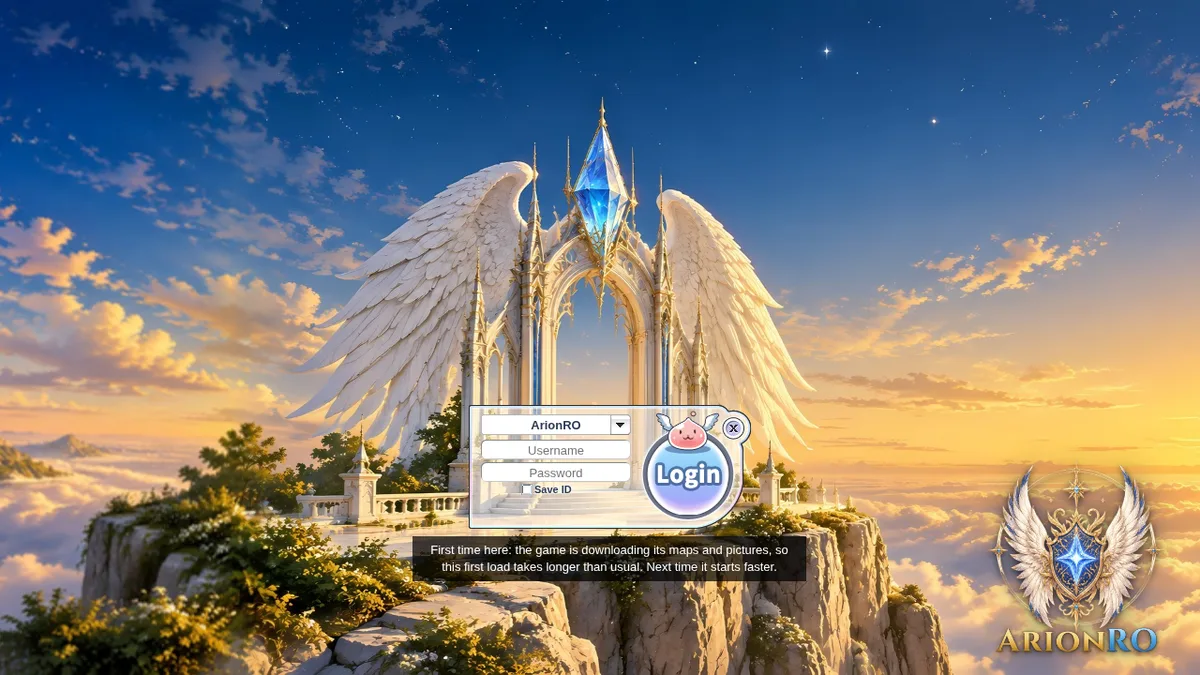
After Ctrl+F5 you see the new login pictures