
Website
Password reset and Google sign-in
Website
- Website: "Forgot your password?" on the login page now emails a link to set a new game password to your account's confirmed email address. The link works once, for 30 minutes. Setting a new password logs you out of the website in every browser.
Enter your game account name or its email and press Send reset link. If the account has a confirmed email, a mail from no-reply@arionword.com brings a link; open it within 30 minutes and choose a new game password (4 to 23 characters). The new password works in the game and on the website right away, and every other browser where you were logged in to the website is logged out.
Read more →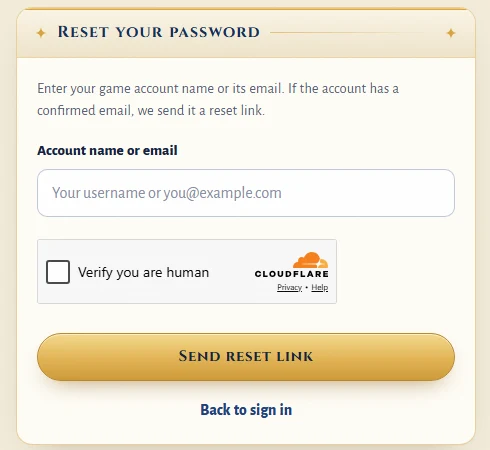
The Forgot password page - Website: you can sign up and log in with Google ("Sign up with Google" on the register page, "Continue with Google" on the login page). A new Google player picks a game name and a game password once, because the game itself still logs in with name and password; a logged-in player can link Google on the Account page.
Google gives the website your confirmed email address, so a Google account can always reset its password. The first time, you choose the game name and game password you will type in the game. If you already have an account, log in as usual and link Google on the Account page; after that, Continue with Google logs you in to that account.
Read more →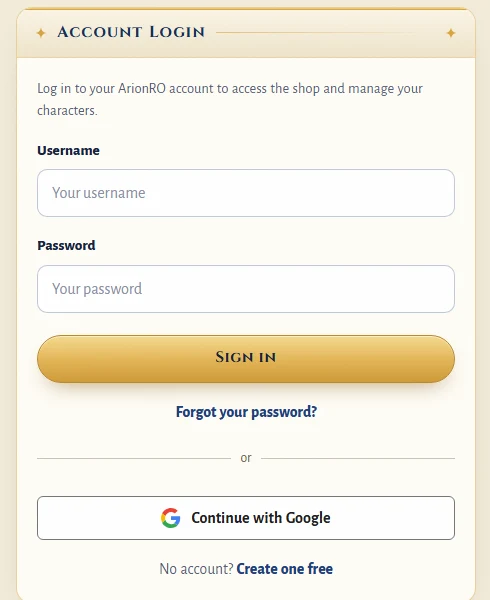
The login page with Forgot your password? and Continue with Google - Website: a new account needs an email address, confirmed with a 6-digit code. An account without a confirmed email must add and confirm one at its next website login. Logging in to the game does not change. With this update everyone was logged out of the website once.
The register form now asks for an email address, and the website mails a 6-digit code to confirm it; the code works for 30 minutes. Older accounts without a confirmed email see the same step the next time they log in to the website. The game login still uses only your name and password.
Read more →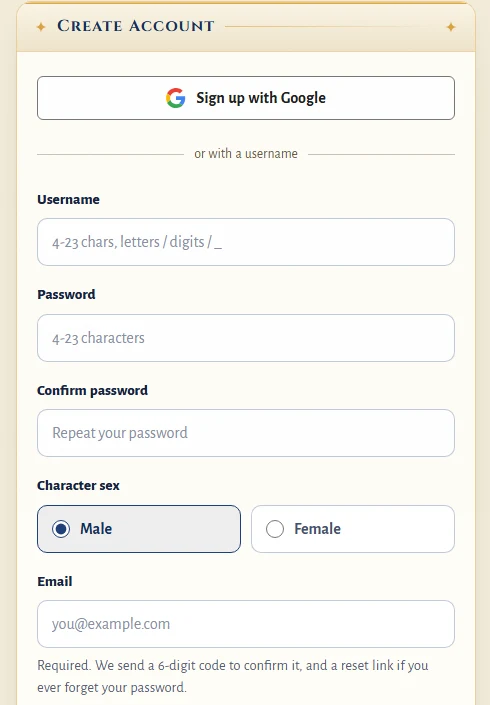
The register page: Sign up with Google or a username, with a required email