Fixes
Skill refusals say why, and the game tab stands out
Fixes
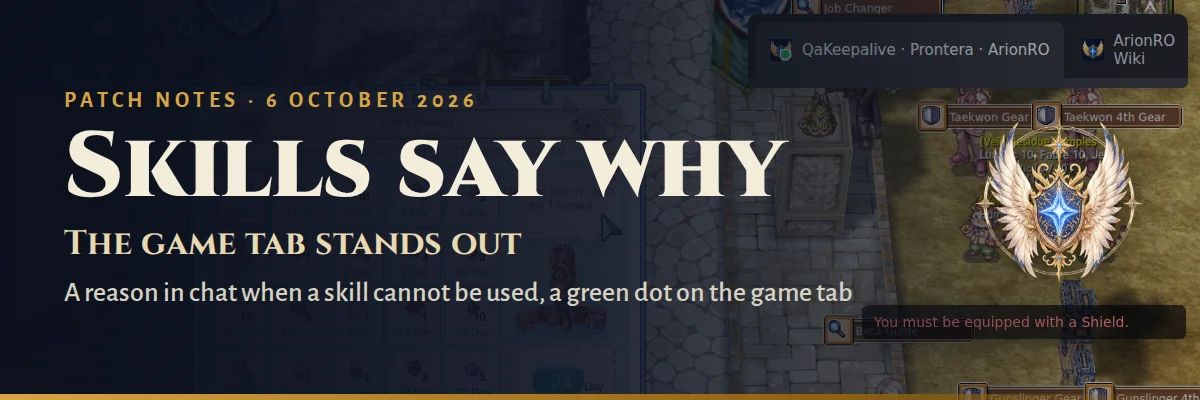
- Game client: the game tab now shows a green dot on its icon and your character's name first, so you can tell it apart from wiki tabs.
If you keep the game and the wiki open in browser tabs, the game tab is now easy to find: it has a green dot on its icon and starts with your character's name. Wiki tabs keep their normal icon.

Illustration: the game tab (green dot, character name first) next to a wiki tab - Game client: when a skill can't be used, the chat now says why in most cases, for example "You must be equipped with a Shield." for Shield Chain Rush without a shield. Before, nothing happened.
Before, a skill that could not be used just did nothing. Now the chat says why in most cases. Example: Shield Chain Rush without a shield tells you "You must be equipped with a Shield." Read the line in the chat window when a skill does not fire.
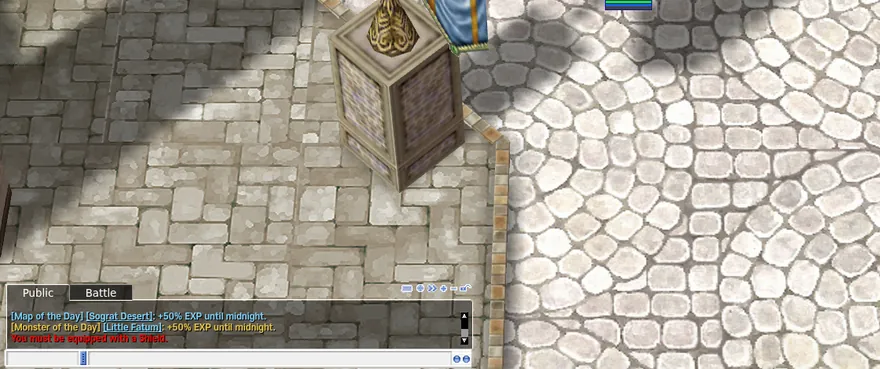
Shield Chain Rush without a shield: the chat tells you why 
The chat line: You must be equipped with a Shield.