
Game update
Update 6 Oct: King Poring's treasury, weekly Hunt List, new hotkeys
New
- Poring Invasion: the King Poring now talks back, and when he falls his treasury bursts. Grab the Festival Coins around him: 1 coin = 1 Festival Token (weekly cap). New at the Festival Merchant: King Poring Hat (180 tokens) and Poring on Shoulder (120), sold only there.
In this update the King Poring talked back and, when he fell, his treasury burst open. You grabbed the Festival Coins lying around him: 1 coin was 1 Festival Token, up to the weekly cap. The Festival Merchant got two new items that are sold only there: the King Poring Hat for 180 tokens and Poring on Shoulder for 120. The Poring Invasion has changed since (see the 8 Oct updates), but the Festival Merchant is still where tokens are spent.
Read more →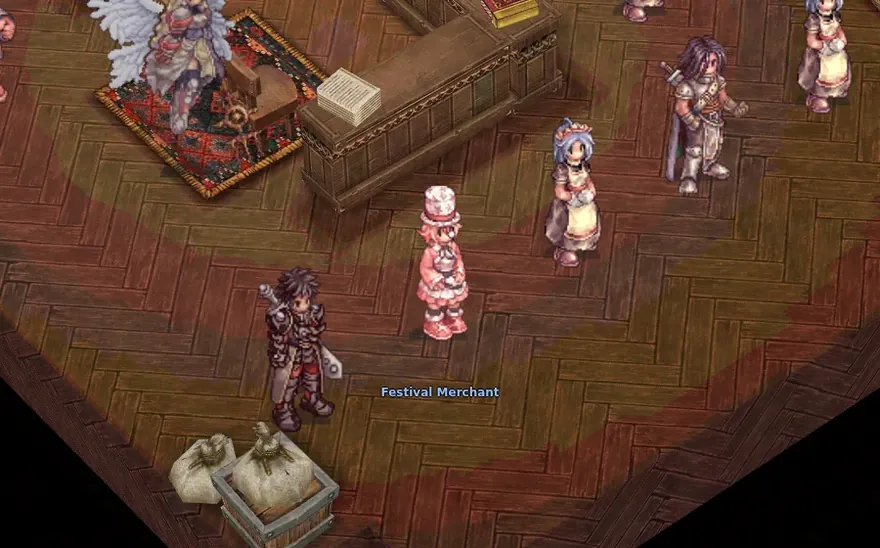
The Festival Merchant in Prontera's services hall, where event tokens are spent - New weekly Hunt List (type @huntlist): 6 monsters of this month's hunt, new every Monday. 50 / 100 / 200 kills of each pay 250 / 250 / 500 Hunting Coins; all 6 at 50 earn the Amateur Hunter title, all 6 at 200 this month's look.
Type @huntlist to see the Hunt List: 6 monsters of this month's hunt, new every Monday. Kill 50, 100 and 200 of each one and you get 250, 250 and 500 Hunting Coins. Finish all 6 at 50 kills for the Amateur Hunter title, and all 6 at 200 for this month's look. The Hunting Hall board in every main town tells you more.
Read more →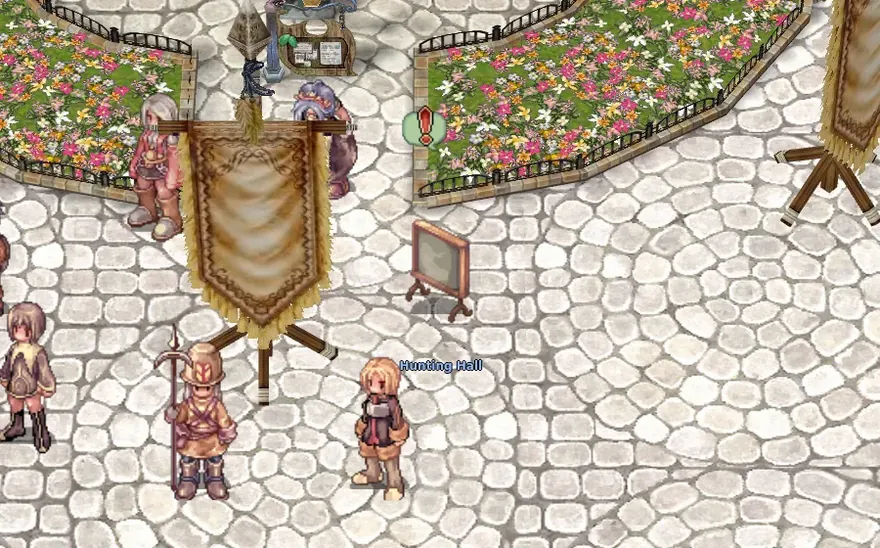
The Hunting Hall board at Prontera's arrival point
Changes
- Hotkeys now work like the official battle mode: hotkey bar 1 is on keys 1-9 (F1-F9 still work too), bar 2 on Q-O, bar 3 on A-L and bar 4 on Z X C V B N M , . While the chat box is open, keys type as usual. Prefer the old keys? Tick "Classic hotkeys" in the hotkey settings (Interface tab). Keys you set yourself stay as they are.
Hotkeys now work like the official battle mode. Hotkey bar 1 is on the keys 1 to 9 (F1 to F9 still work), bar 2 on Q to O, bar 3 on A to L and bar 4 on Z X C V B N M , and a dot. While the chat box is open, keys type as usual. If you prefer the old keys, tick "Classic hotkeys" in the hotkey settings on the Interface tab. Keys you set yourself stay as they are.