
Game update
Cash Shop hides empty tabs
Changes
- The Cash Shop window no longer lists tabs that have no items. A tab comes back by itself as soon as it has items.
Before, a tab with no items still sat in the left column and opened on an empty page (the Cash Point This Week tab showed 0). Now such a tab is left out. The tab you have open stays, and so does the Refine tab, whose list loads when you click it.
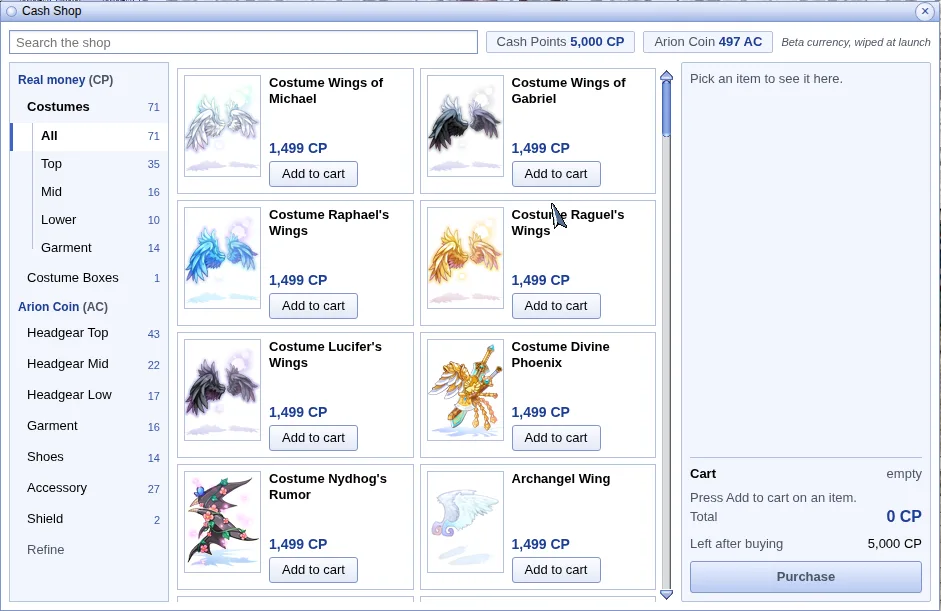
The Cash Shop after the update. - Press Ctrl+F5 on the game page (Mac: Cmd+Shift+R) to get the update. Logging out and back in is not enough.
A normal reload can keep the old game files from your browser's cache. Ctrl+F5 fetches the new ones.
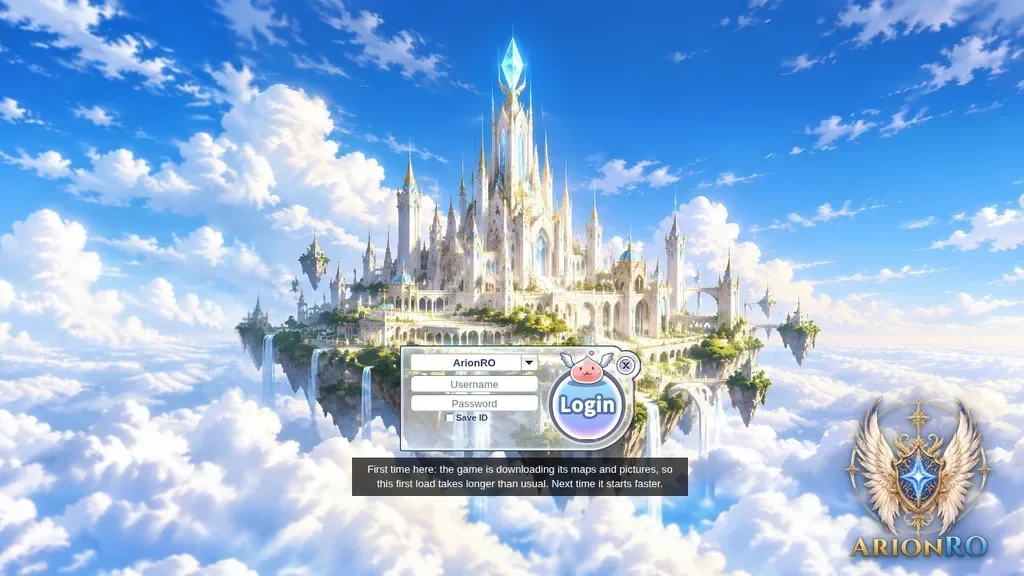
The game page after Ctrl+F5.