
Game update
Druid form messages, chat with NPC menus, one-click new character
Changes
- With an NPC menu open, a line you type in the chat box is now sent when you press Enter. With an empty chat box, Enter still picks the menu answer.
Before, Enter always picked the menu answer, so you could not chat while an NPC menu was open.
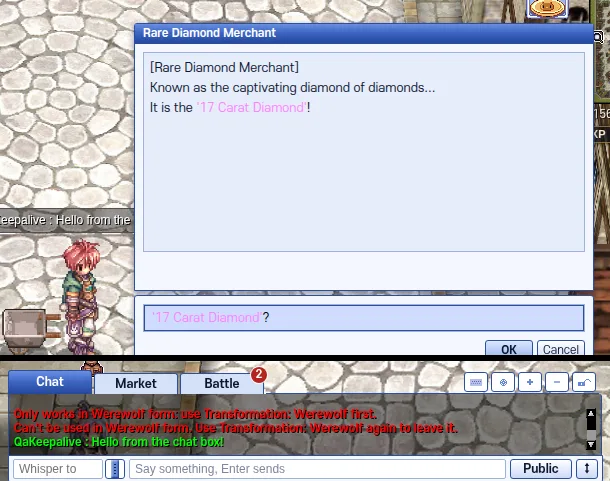
A chat line sent while the menu is open. - One click on an empty character slot now opens character creation. Before, it took a double click.
Our test clicked an empty slot once on the character screen: character creation opened.
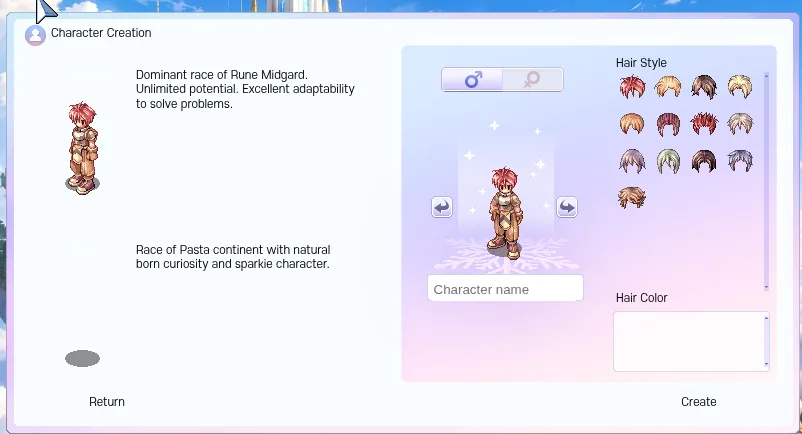
Character creation after one click. - The welcome message at login now names the new Druid, Karnos and Alitea classes.
The welcome message you get at every login now has a line about the new classes.

The end of the welcome message at login.
Fixes
- When you use a Druid form skill without its form, the game now says which form it needs. Before, it said "Skill has failed."
Before, the game only said "Skill has failed.", so you could not tell what was wrong. Our test used a Werewolf skill as a plain Druid: the game named the form it needs.
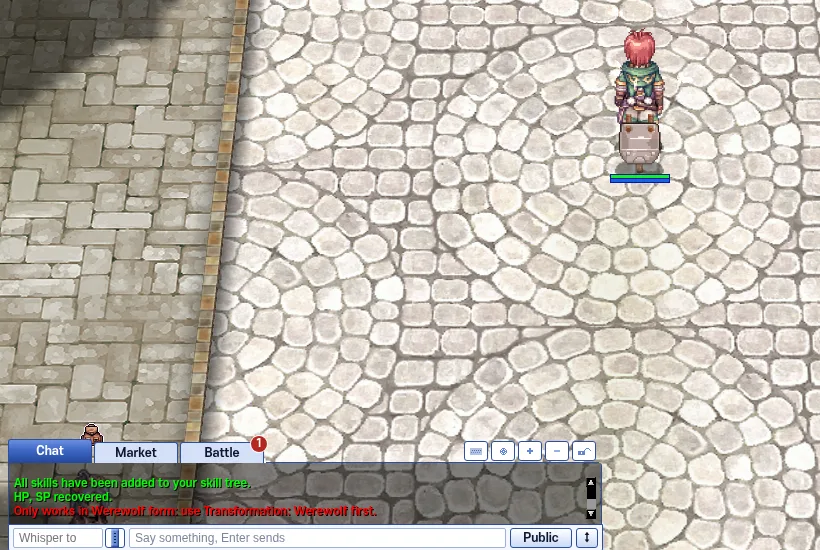
The message names the form the skill needs. - Skills that can't be used in Werewolf or Wereraptor form now tell you how to leave the form.
Our test used a Wereraptor skill in Werewolf form: the game said how to leave Werewolf form.
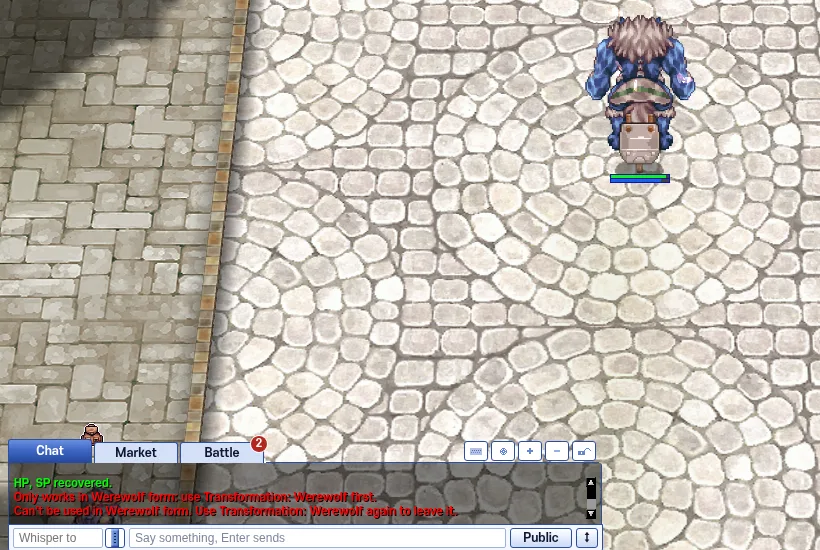
How to leave Werewolf form. - Press Ctrl+F5 on the game page (Mac: Cmd+Shift+R) to get the update. Logging out and back in is not enough.
Part of the update is in the game files, so the page has to load them again.
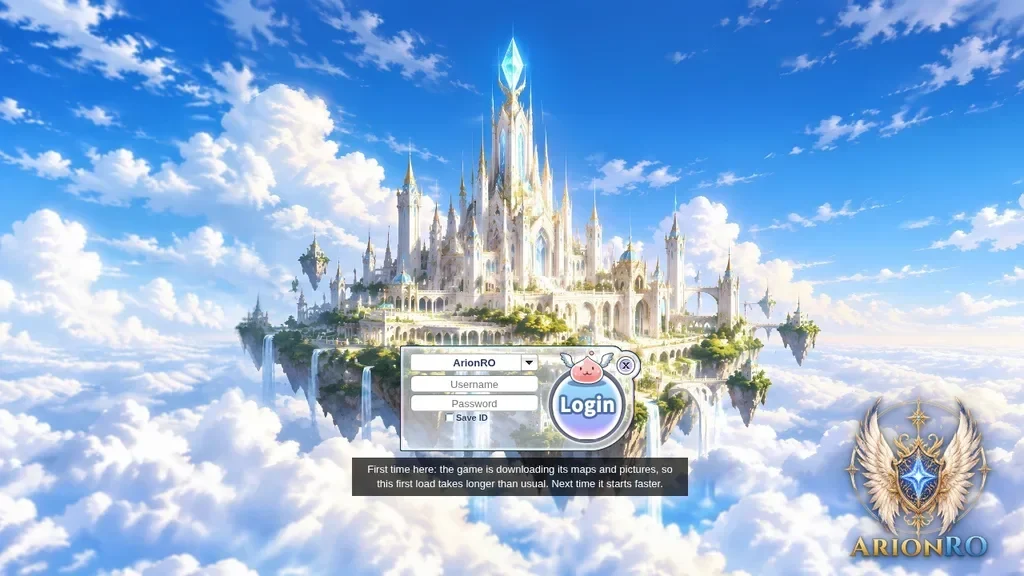
The game page after Ctrl+F5.