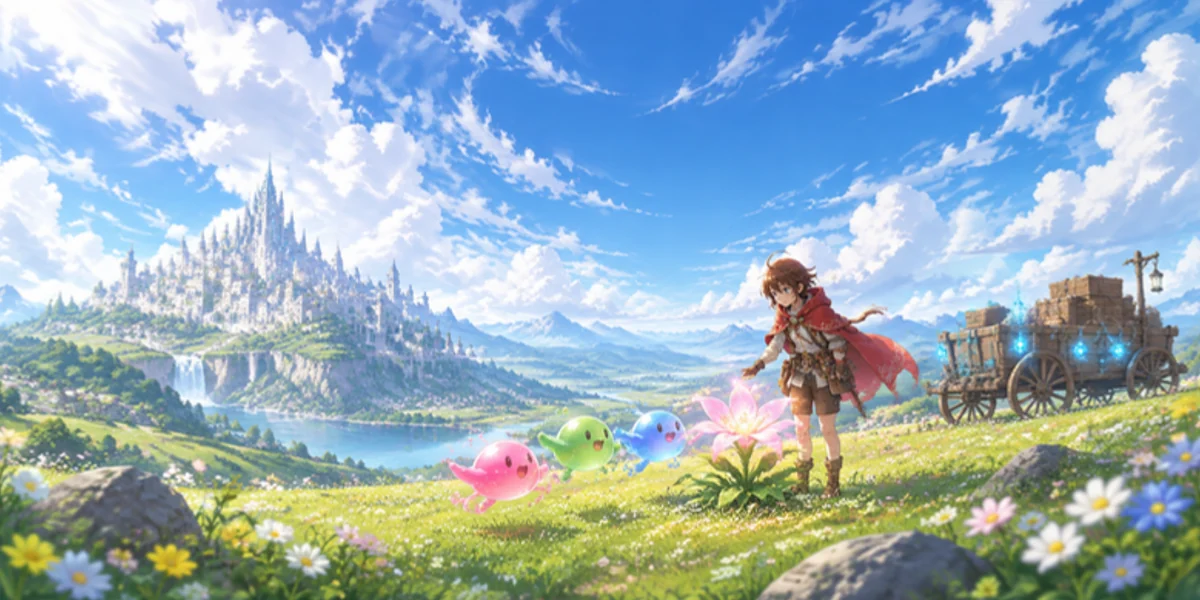
Game update
Poring Invasion fixes, item messages, stuck sleep look
Changes
- Poring Invasion: gear effects that trigger on a hit, like the Poring Leek's transform, no longer work inside the invasion.
Inside the invasion, hit effects from your gear stay off. Your Poring Invasion powers still work.
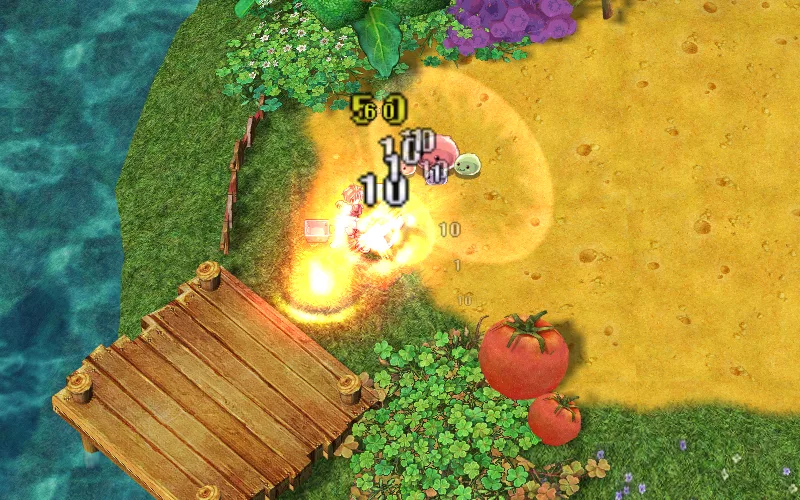
A fight inside Poring Invasion. - Jelly Harvest: a jelly you hit now turns and chases you. Jellies nobody hits keep going for the flowers.
Hit a jelly to pull it off the flower: it comes after you instead.
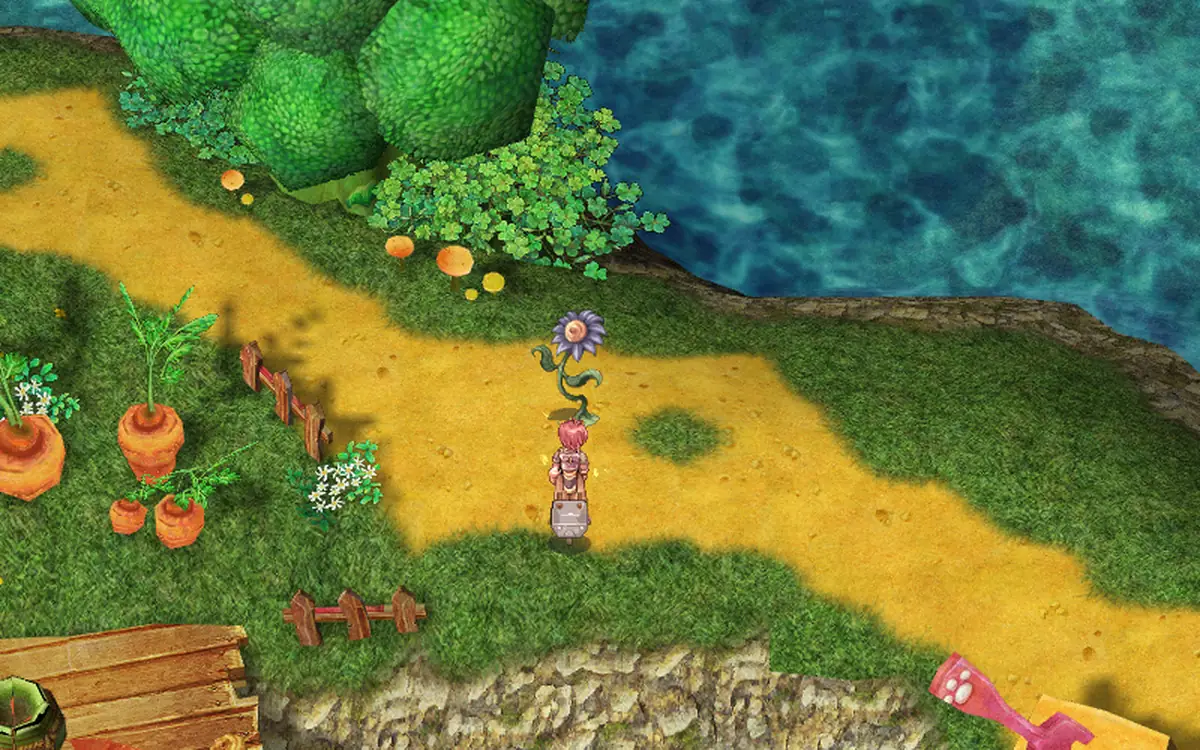
A Jelly Harvest flower. - Crate jobs: the drop-off spots light up as soon as the job starts.
Blue lights mark where the crates go from the moment the job starts.
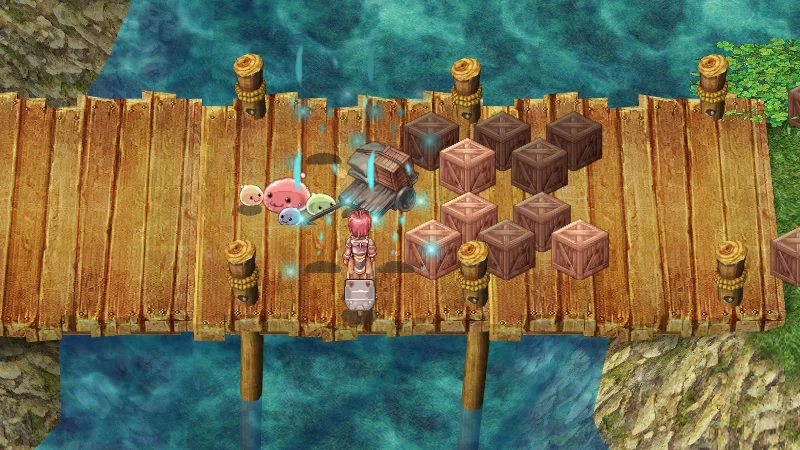
The drop-off lights around the wagon. - The "Porings marked on your minimap" message is gone. The marks on the minimap stay.
Only the pop-up is gone. The Porings still show on your minimap.
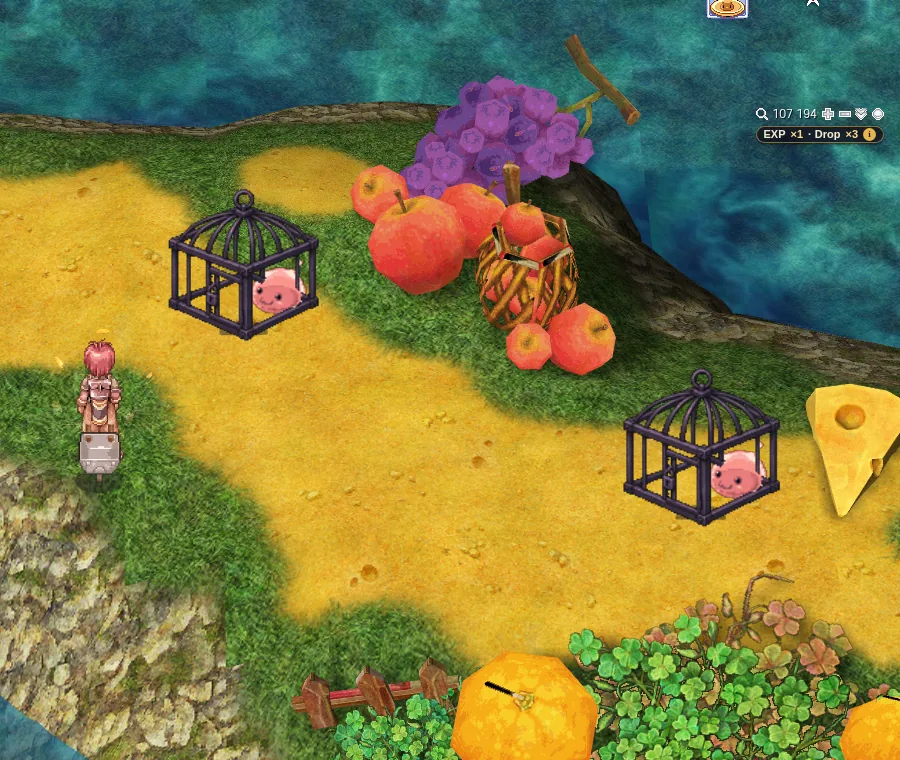
Caged Porings on the island road. - Monsters inside Poring Invasion no longer talk in the chat.
Your chat keeps the fight and job lines without monster chatter.
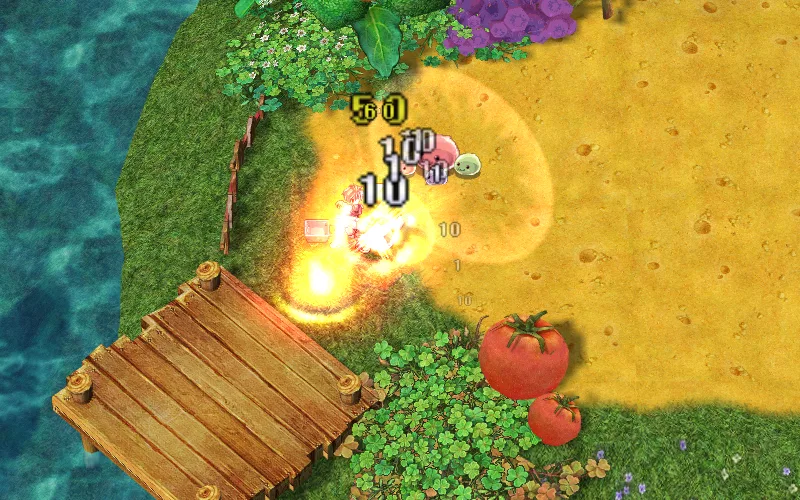
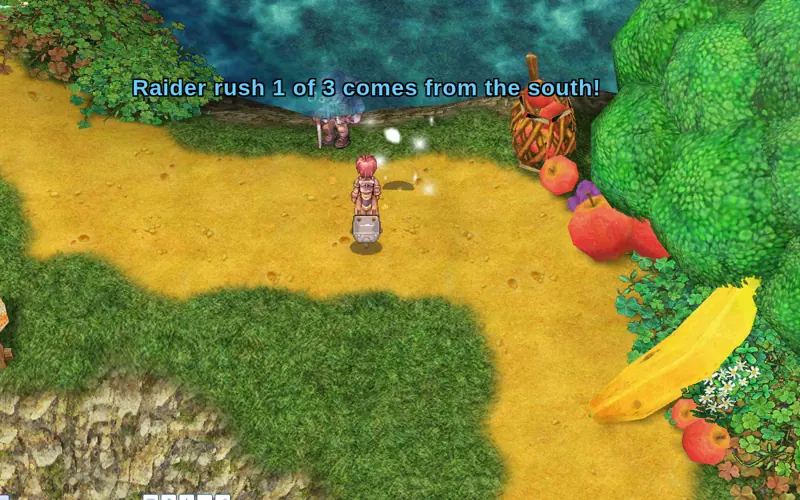
A wave fight. - Chat lines are cleaner: one name for the Little Porings, one line per Dark Ring, the Supply Cart HP line only when it changes, the barracks count says which barracks, and job hints come after the stage line.
Fewer, shorter lines, in the order things happen.
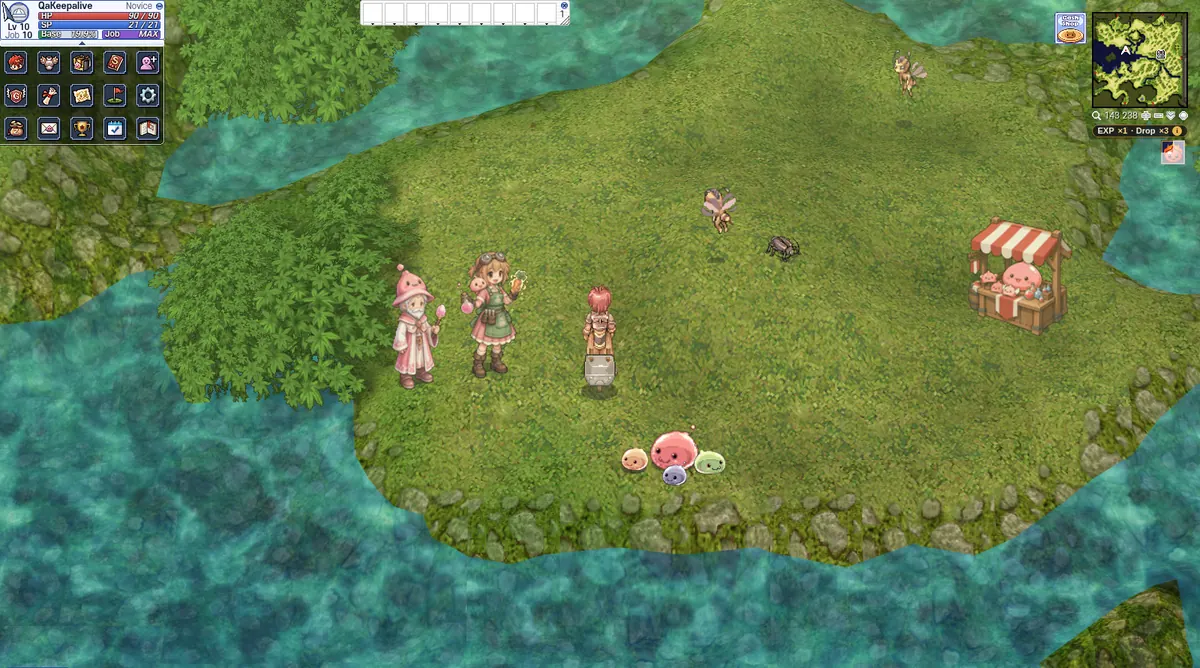
A stage line over the island. - Poring Collector: no more daily coin limit. Sell as many pieces as you like in a day.
Trade in as many pieces as you like each day.
The Poring Collector at the camp. - When the game refuses an item, the chat now says why. If the item's level or class rule is the reason, it says so; otherwise it says "You can't use that right now."
A refused item gets a line in your chat, with the reason when the game knows it.
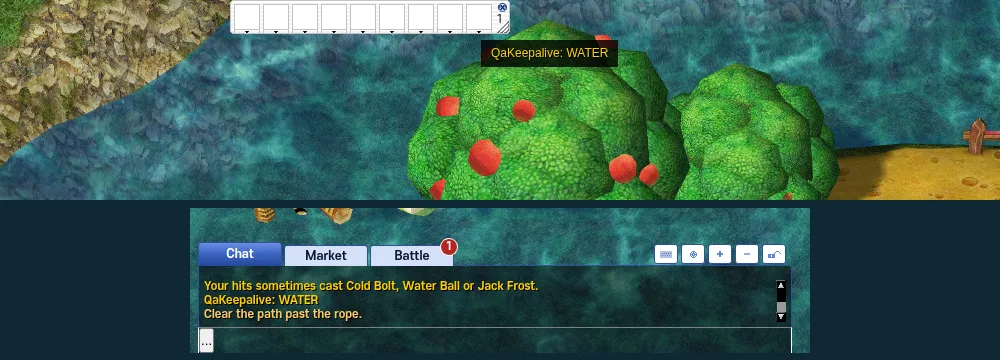
The chat box, where the line shows. - A sleep, stun or freeze that ended while a map was loading could leave its look on your character (the sleep "zz" stayed). Fixed.
Your character no longer keeps the look after the effect is over.
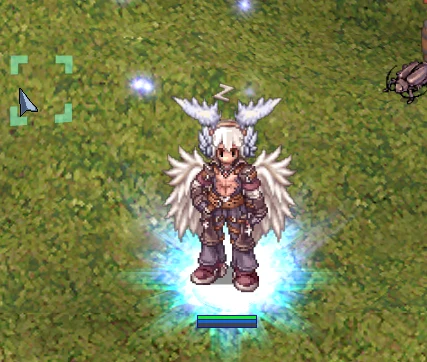
Before the fix: the zz stayed. - The server restarts for this update (about 1 minute).
The game was down for about a minute.
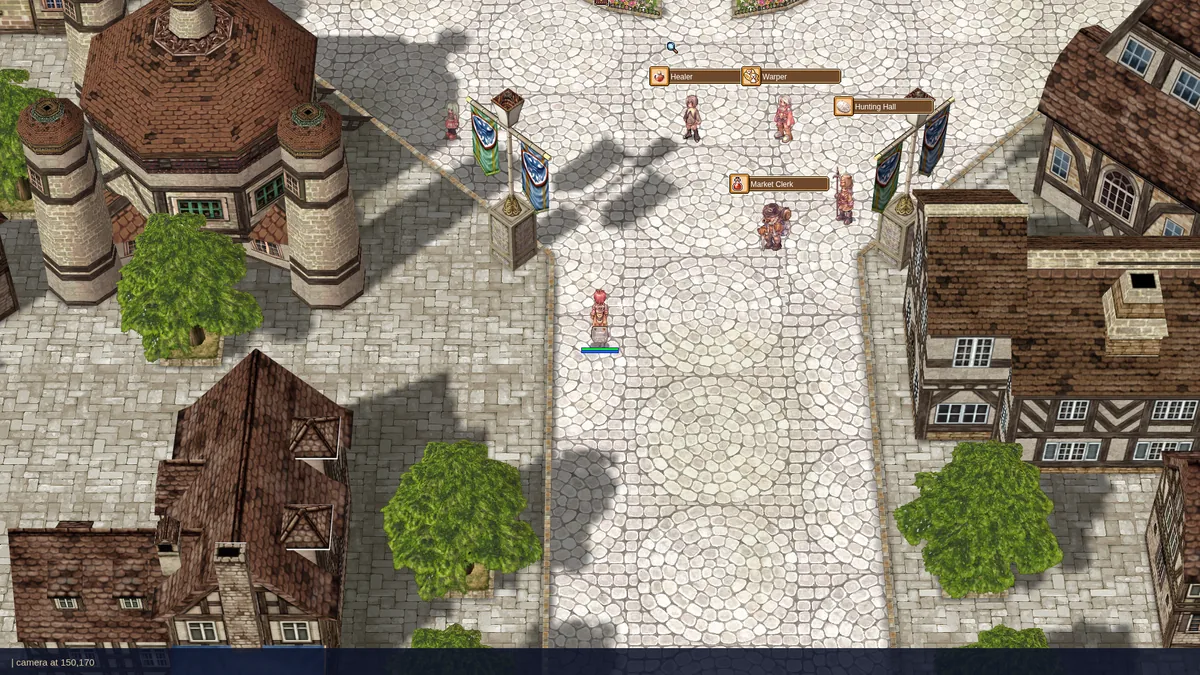
Back in town after the restart. - Press Ctrl+F5 on the game page (Mac: Cmd+Shift+R) to get the update. Logging out and back in is not enough.
How to get this update.
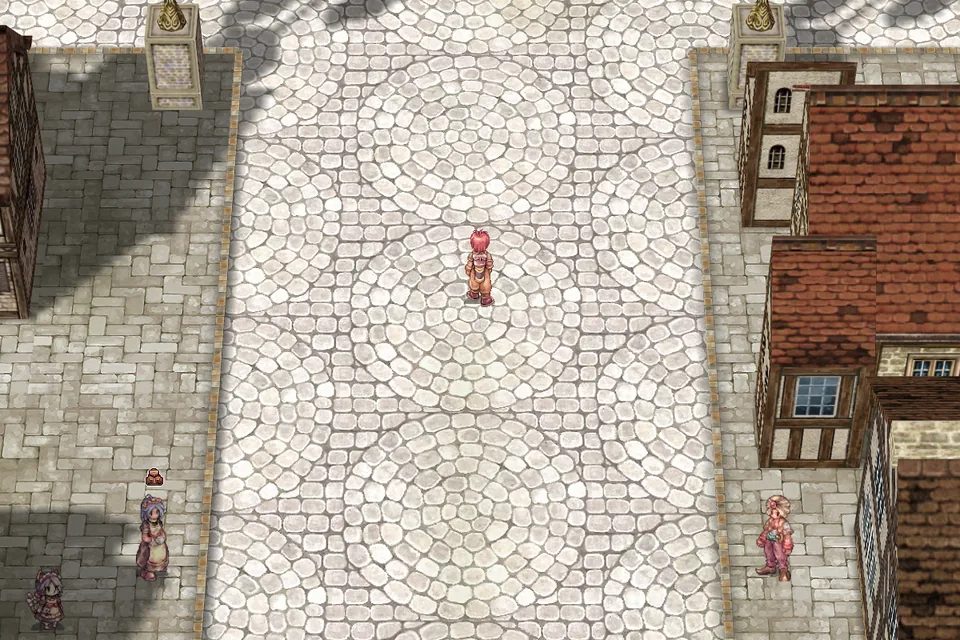
The game after the update.