
Game update
Poring Invasion: King Poring fixes and powers from side jobs
Changes
- Poring Invasion: King Poring now walks and chases you. His Charge stays.
He used to stand in one spot. Now he comes after you, and Charge works as before.
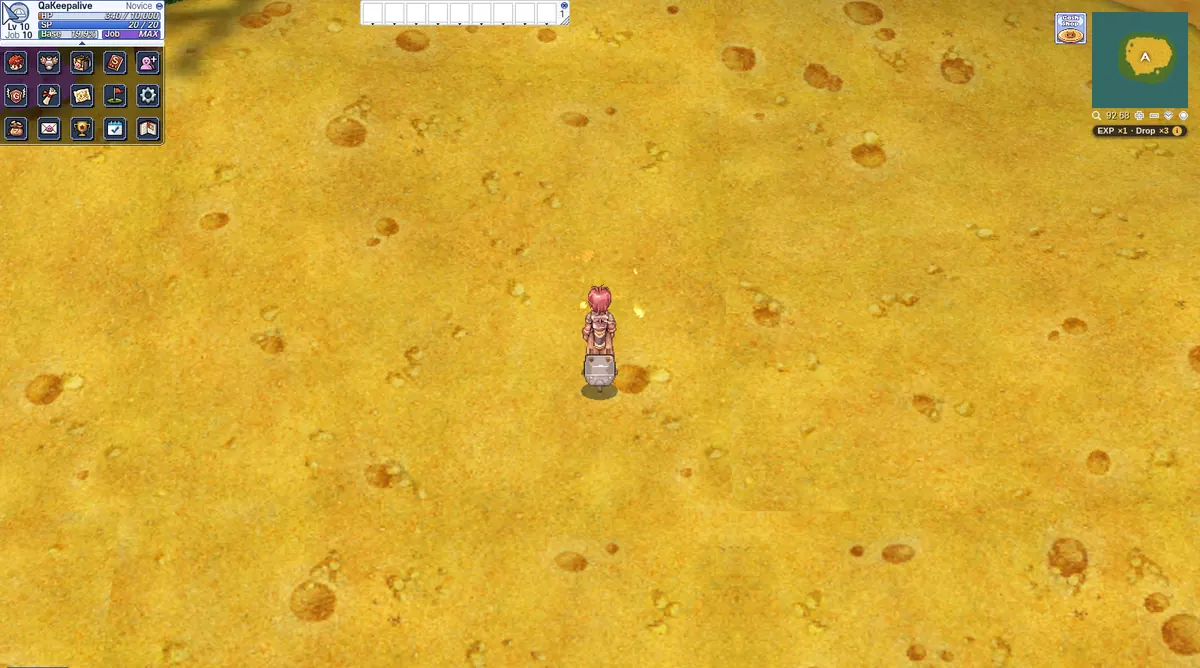
King Poring's island, where he now chases you. - Poring Invasion: Freeze, Stun, Sleep and Stone last at most 4 seconds on the event maps.
King Poring's Storm Gust could hold you frozen for up to 30 seconds. The 4 second limit covers all four effects, on every Poring Invasion map.
The King's fight on the island. - Poring Invasion: you start with 3 random powers, and each side job your party finishes gives everyone inside 1 more. There is no pick window any more.
The powers you get are random, and you keep every one you get for that run. A line on screen names each new power when it arrives.
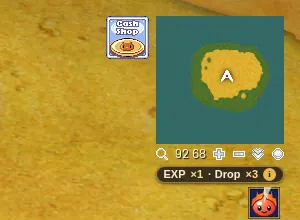
A Poring Power icon under the minimap. - Poring Invasion: Lord of Vermilion, Meteor Storm and Genesis Ray hit about half as hard.
One Lord of Vermilion could kill a tough monster alone, so these three area powers now do about half the damage.
Your powers show as icons under the minimap. - Poring Invasion: the jellies that heal King Poring are slower, bigger and fewer, and take 2 hits. A line on screen calls them out.
A line on screen calls them out. Each jelly that reaches King Poring heals him, so kill them before he swallows them.
The jellies crawl across this sand to the King. - Poring Invasion: the burn from Magmaring's Fire Storm lasts 2 seconds instead of 10.
The burn now ends after 2 seconds, so it takes far less of your HP.
An event map in the Poring Invasion. - Poring Invasion: King Poring's Echoes warn you before Pulse Strike, and Big Ghostring now shows the boss mark.
A warning line comes before Pulse Strike, so you have time to run. Big Ghostring now carries the boss mark too.
The Echoes fight on the King's island. - Poring Invasion: Wing Feathers have their own look, and each Poring Power has its own icon and tooltip.
Wing Feathers now have a sprite of their own. Hover a Poring Power icon to read what that power does.
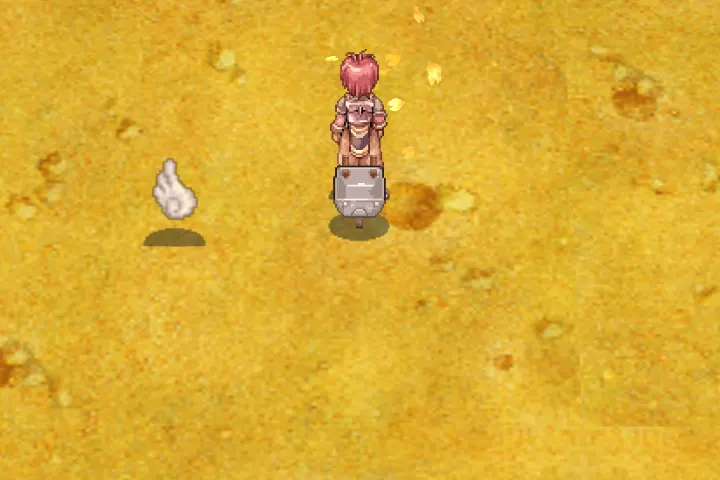
A Wing Feather beside the hero. A Poring Power icon. - Poring Invasion: a way home opens on the dock after King Poring falls.
Once King Poring falls, walk to the dock and step on the way home. A line on screen tells you it is open.
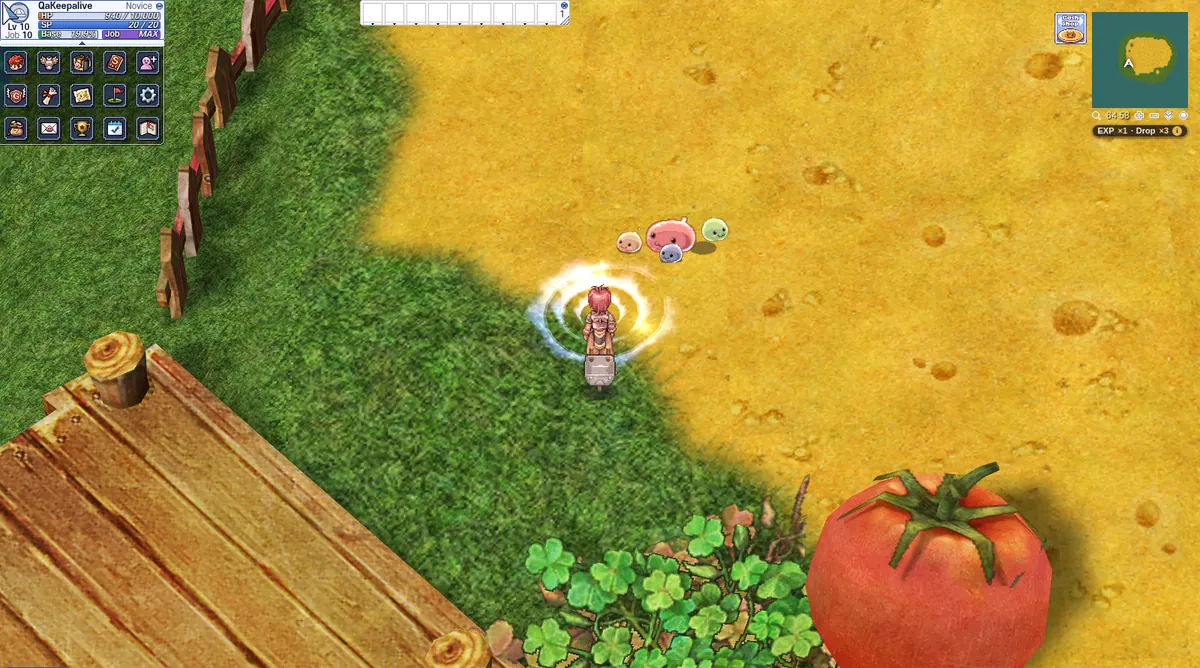
The way home beside the dock. - Poring Invasion: a side job's giver steps aside while the job runs, and the Blue Light Column line says what it does.
The giver moves out of the way during its job. The Blue Light Column line now tells you to touch it to run faster for 20 seconds.
An event map in the Poring Invasion. - Poring Invasion: the Poring Enchanter now also does the Poring Village Leek and Carrot, so the Veggie Enchanter is gone.
One NPC now handles all of it, so bring your Leek and Carrot to the Poring Enchanter at the camp.
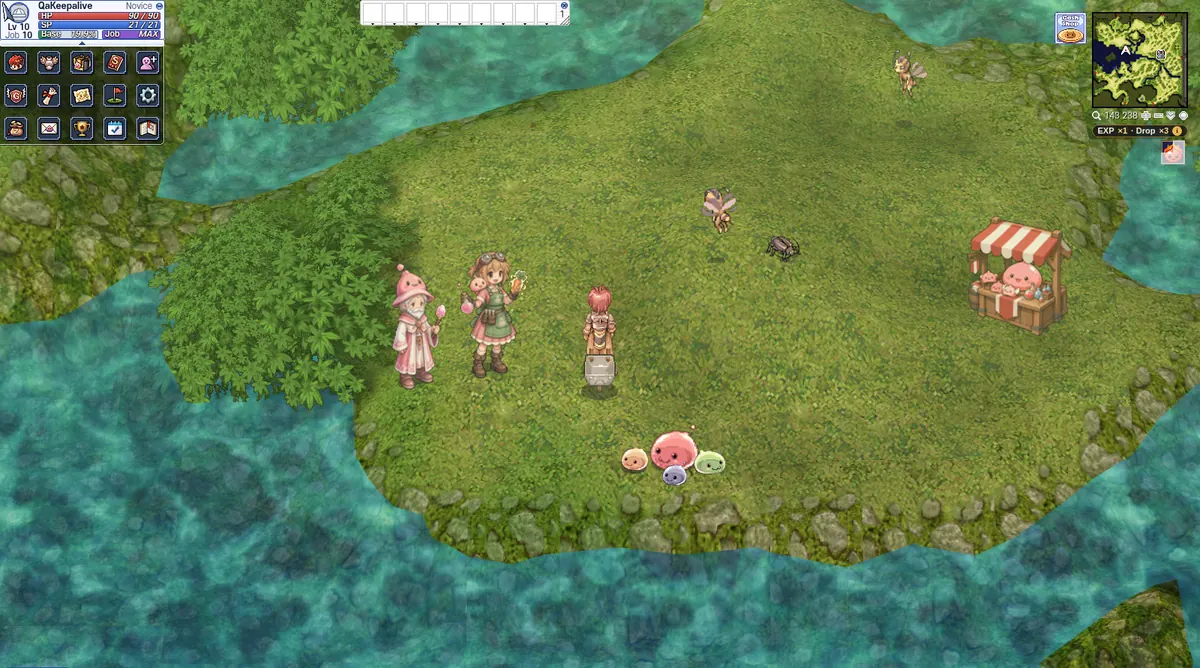
The Poring Enchanter, in the pink robe, and the Poring Collector at the camp. - Poring Invasion: King Poring's island has new ground art, and the Poring Group has a new look.
The island has a soft path edge and clean shore tiles, and where you can walk stays the same. You can also see the new Poring Group.
The new island ground and the Poring Group. - Items with a Delay show the cooldown on their skill bar icon.
The icon shows when the item is cooling down, so you know when you can use it again.
The skill bar sits at the top of the screen. - NPC windows now show text in angle brackets, such as @finder apply <number>, instead of hiding it.
Type @finder to see it: the Group Finder help now shows apply <number> in full.
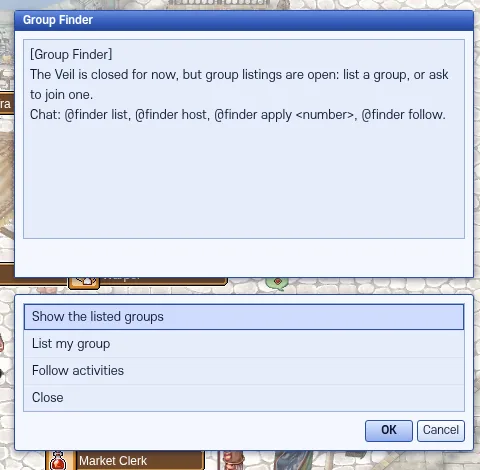
The Group Finder help text. - Navigation links typed by players in chat now show as plain text. Links from NPCs and server messages still work.
A player can no longer type a link in chat that sends you somewhere when you click it. What they typed shows as normal text.
Chat links from NPCs still work. - Whisper history is cleared when you exit or go to Character Select, so the next person at a shared PC can't read it. A dropped connection keeps it.
This protects people who share a PC. If your connection drops, your whispers stay.
Whisper history clears when you leave. - Press Ctrl+F5 on the game page (Mac: Cmd+Shift+R) to get the update. Logging out and back in is not enough.
The update needs a full page reload. Ctrl+F5 on Windows or Cmd+Shift+R on a Mac gets the new client.
The new client after a full reload.