
Game update
Wider NPC windows and new loading pictures
Changes
- NPC windows and answer menus are wider and show up to 10 answers, and the sideways bar on short menus is gone.
This covers every NPC, from the Warper's city list to a Kafra menu. Long menus scroll with the client's own bar.
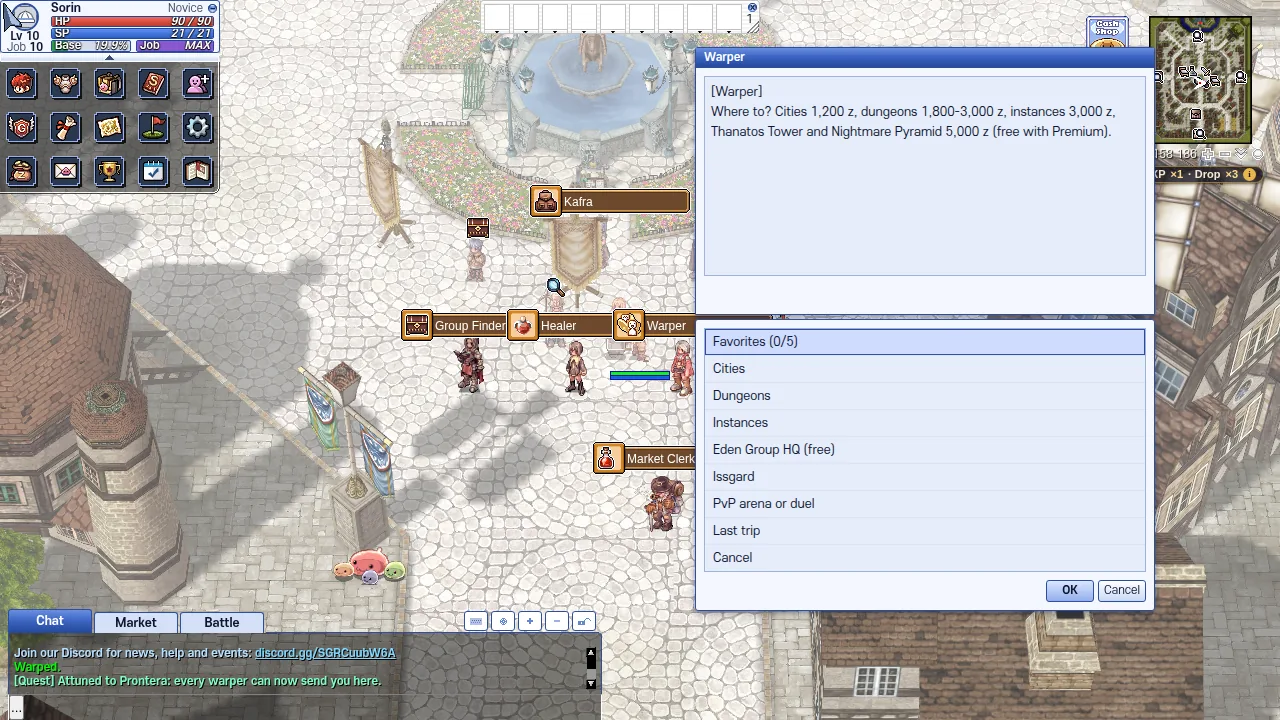
The Warper's city list in the wider window. - Loading pictures have new painted art, so the Windows taskbar no longer covers the bottom of the scene.
The three login pictures were painted again with more scene at the bottom, so the art stays clear of the taskbar on a full-screen window.
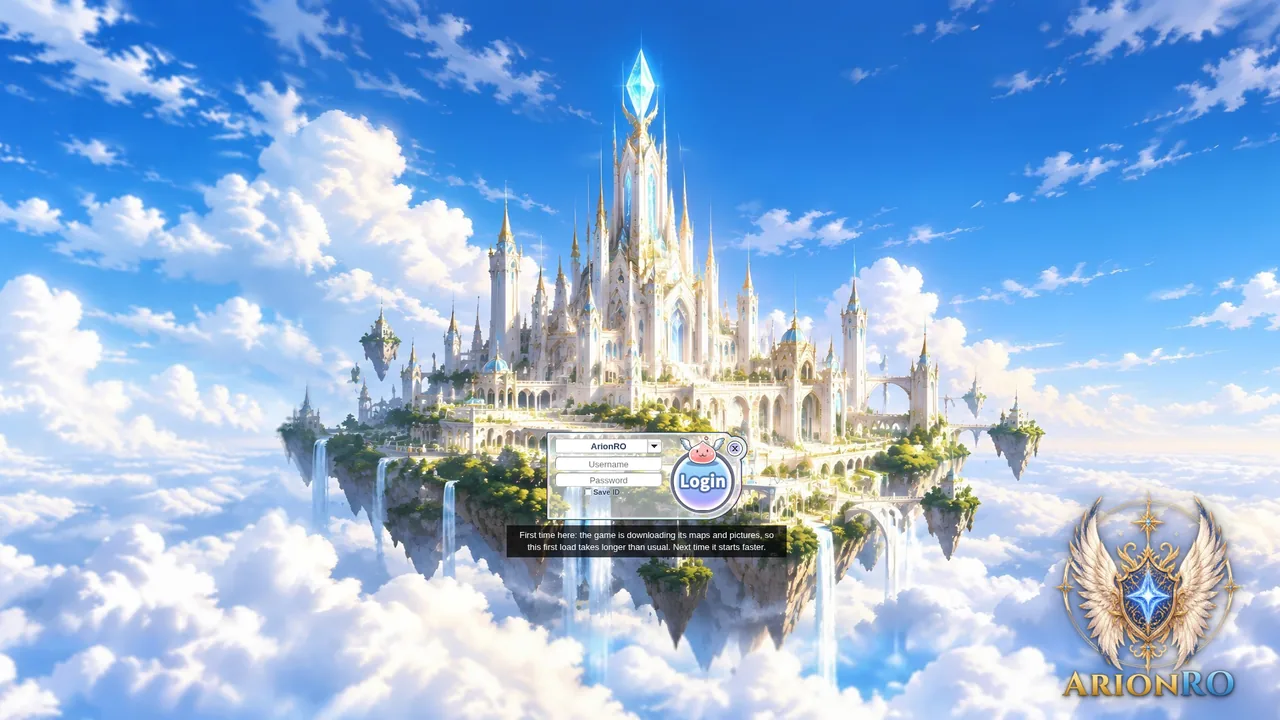
One of the three new pictures. 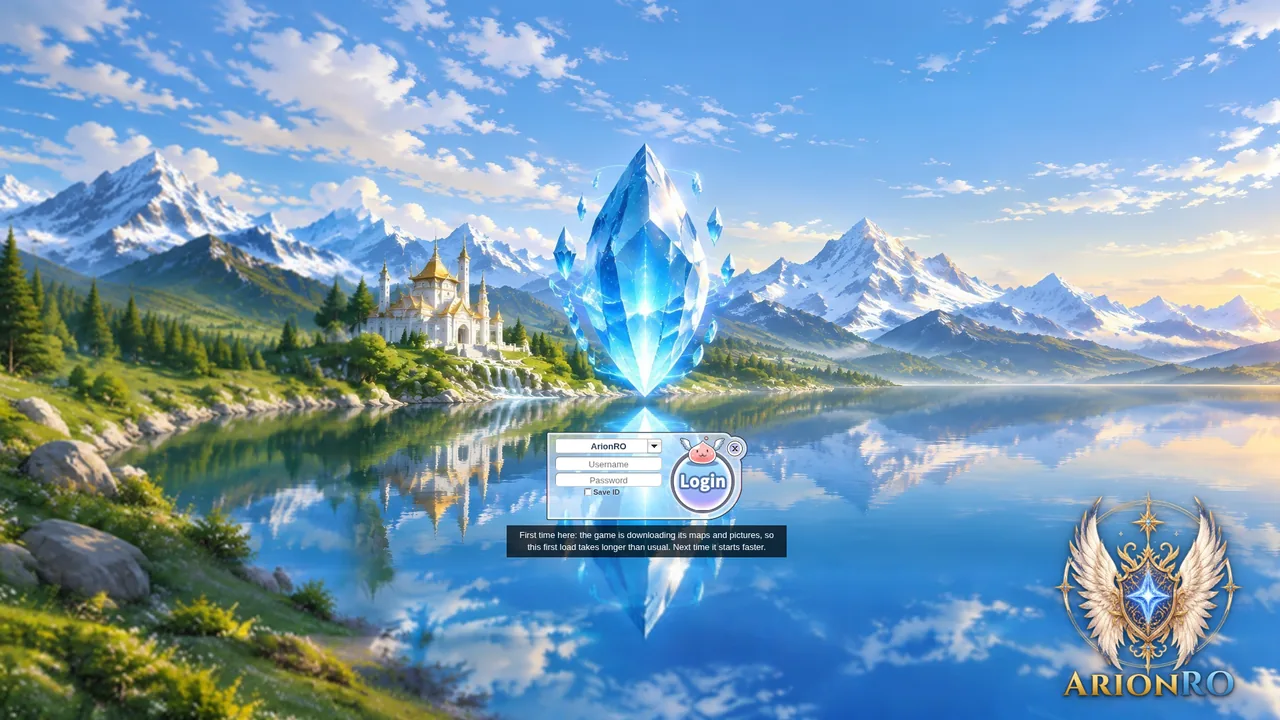
The second picture. 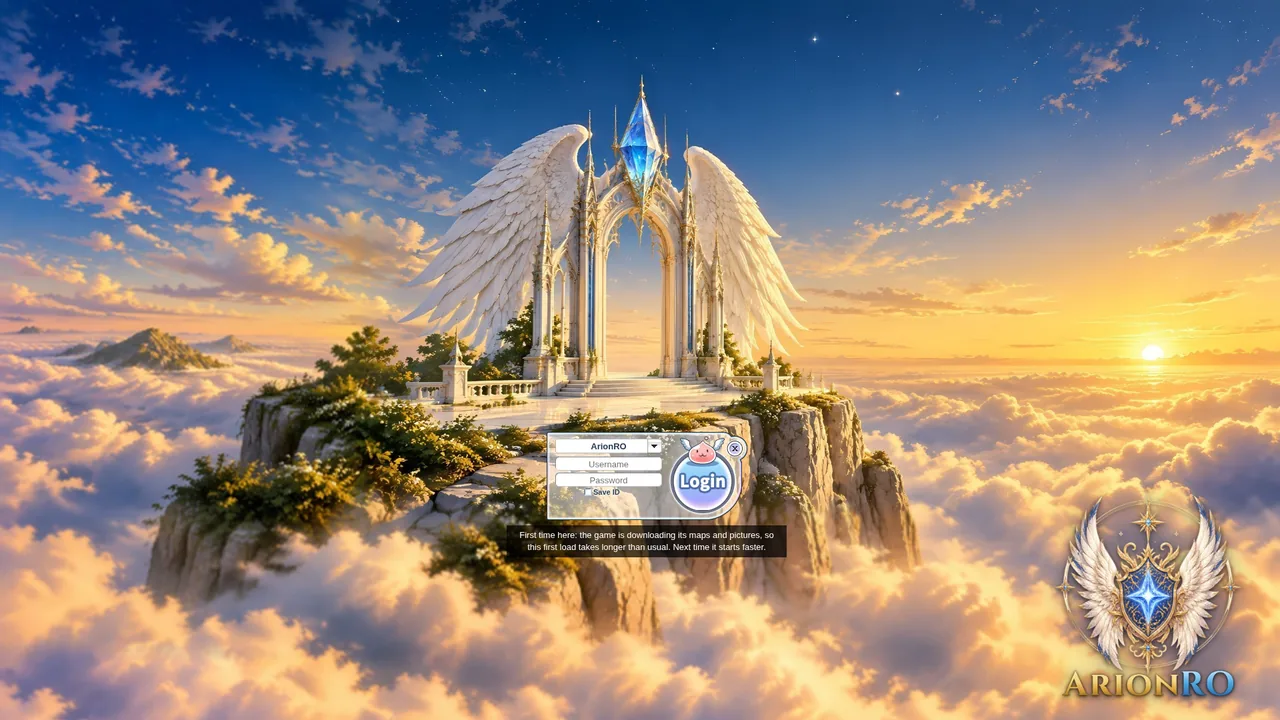
The third picture. - Right-clicking a skill bar icon whose item is gone now clears the icon instead of causing an error.
The icon used to stay on the bar after its item left your bag, and right-clicking it raised an error. Now the icon clears, and icons for items you still hold open Item Info as usual.
The skill bar stays on screen with the new NPC windows. - Uppy stands in better light in Uppy's city.
The light on Uppy's corner of the map was changed, so she no longer stands in the dark.
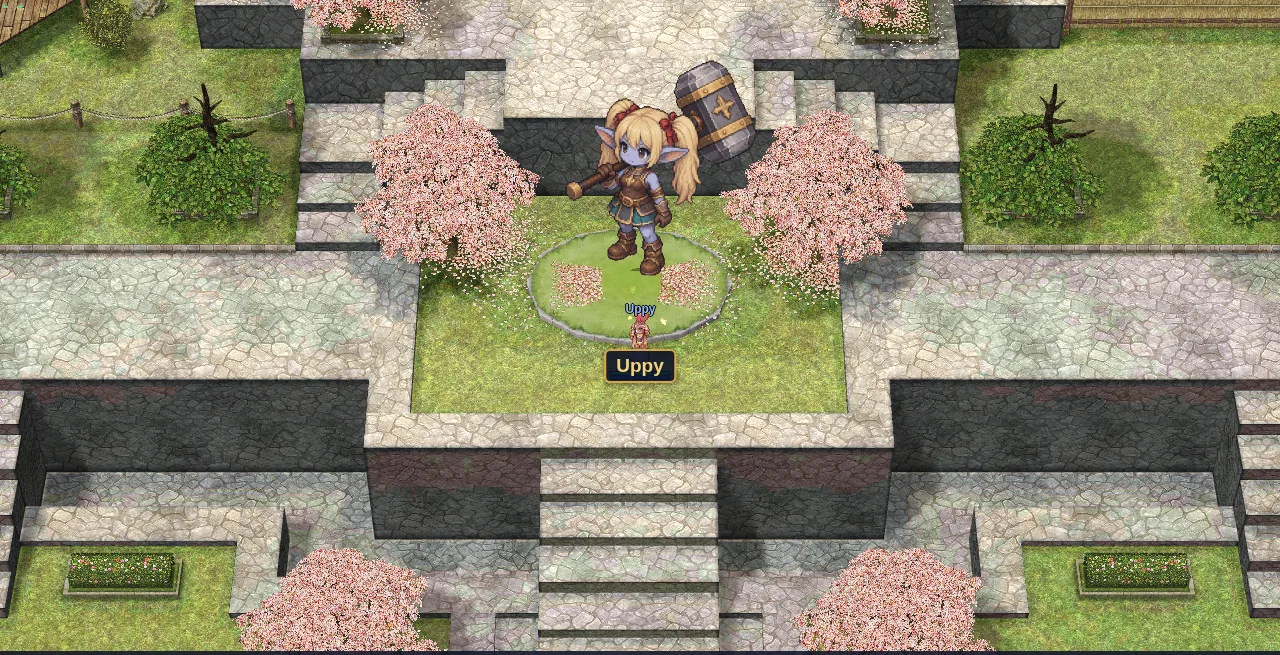
Uppy in the new light. - Press Ctrl+F5 on the game page (Mac: Cmd+Shift+R) to get the update. Logging out and back in is not enough.
The game page keeps the client it loaded when you opened it. Ctrl+F5 loads the page fresh, and the wider windows and new pictures come with it.
The wider windows come with the new client.