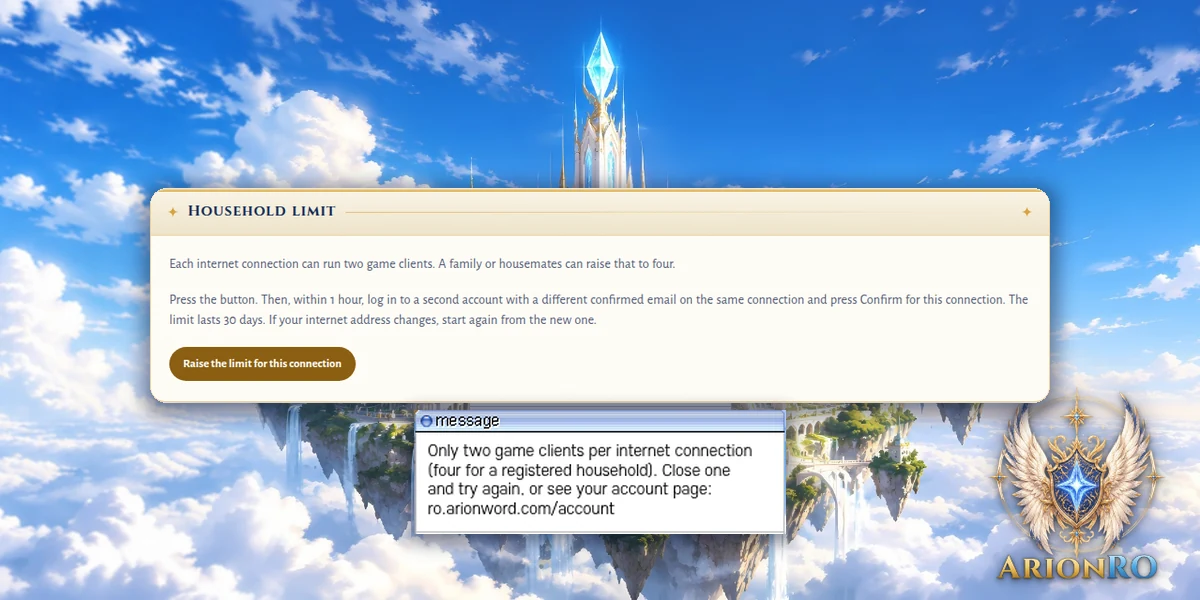
Game update
Household limit: four game clients on one connection
Changes
- Households can now raise the limit on one internet connection from two game clients to four, under Household limit on the account page.
One account presses Raise the limit for this connection. A second account with a different confirmed email then presses Confirm for this connection, from the same connection, within 1 hour. The limit lasts 30 days and can be renewed. If your internet address changes, start again.
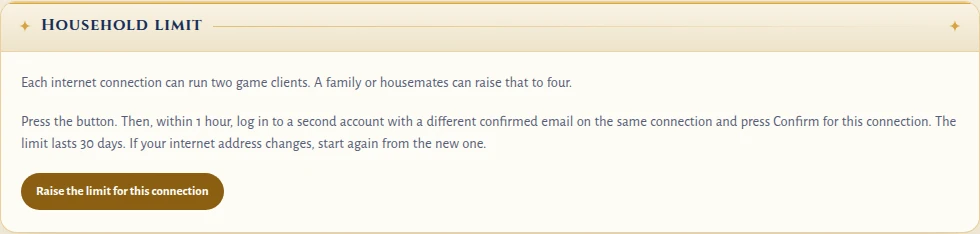
Household limit on your account page - A third game client on one connection now tells you why it cannot join, and points to the account page.
The third client now says the limit is two game clients per connection, or four for a registered household, and names the account page. If the map server itself cannot be reached, you see a different message, so you know which one it is. Press OK on either message to go back to the login screen.
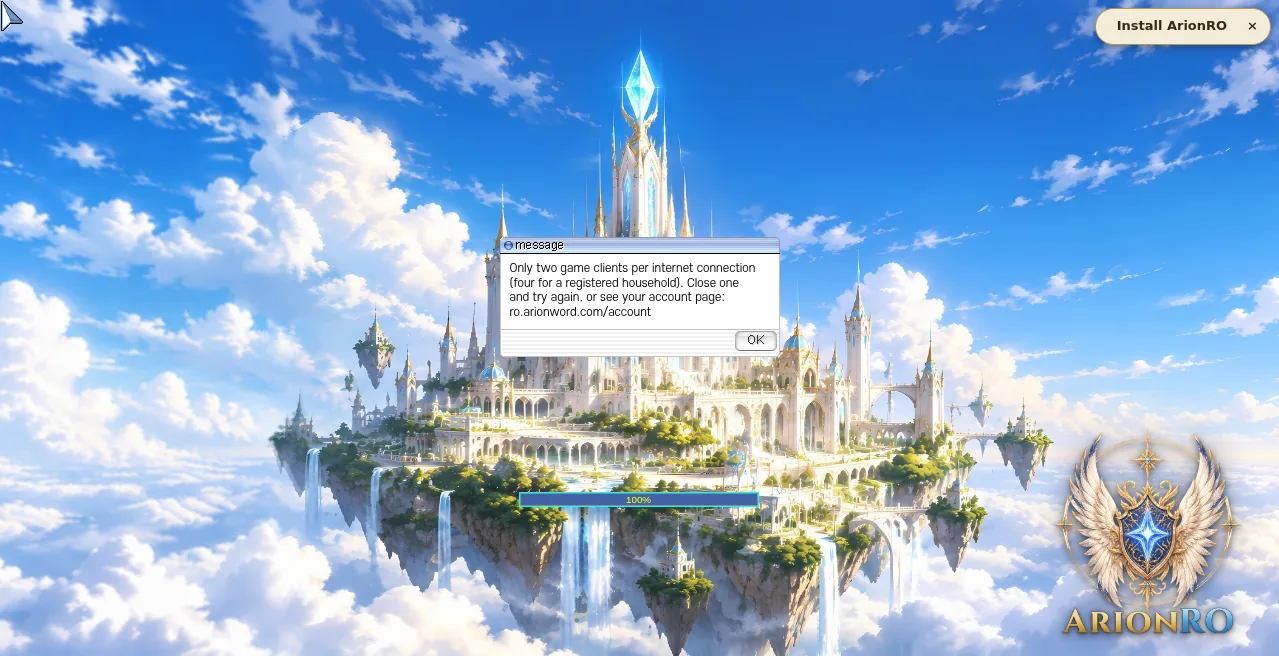
What a third game client now shows - Press Ctrl+F5 on the game page (Mac: Cmd+Shift+R) to get the update. Logging out and back in is not enough.
The game page keeps the client it loaded when you opened it. Ctrl+F5 loads the page fresh, and the new message comes with it.
The new message comes with the update